Start your 14-day free trial - no credit card required
Log inCreate professional, accurate quotes in minutes, add optional upsells, collect a deposit, and turn more estimates into booked work.
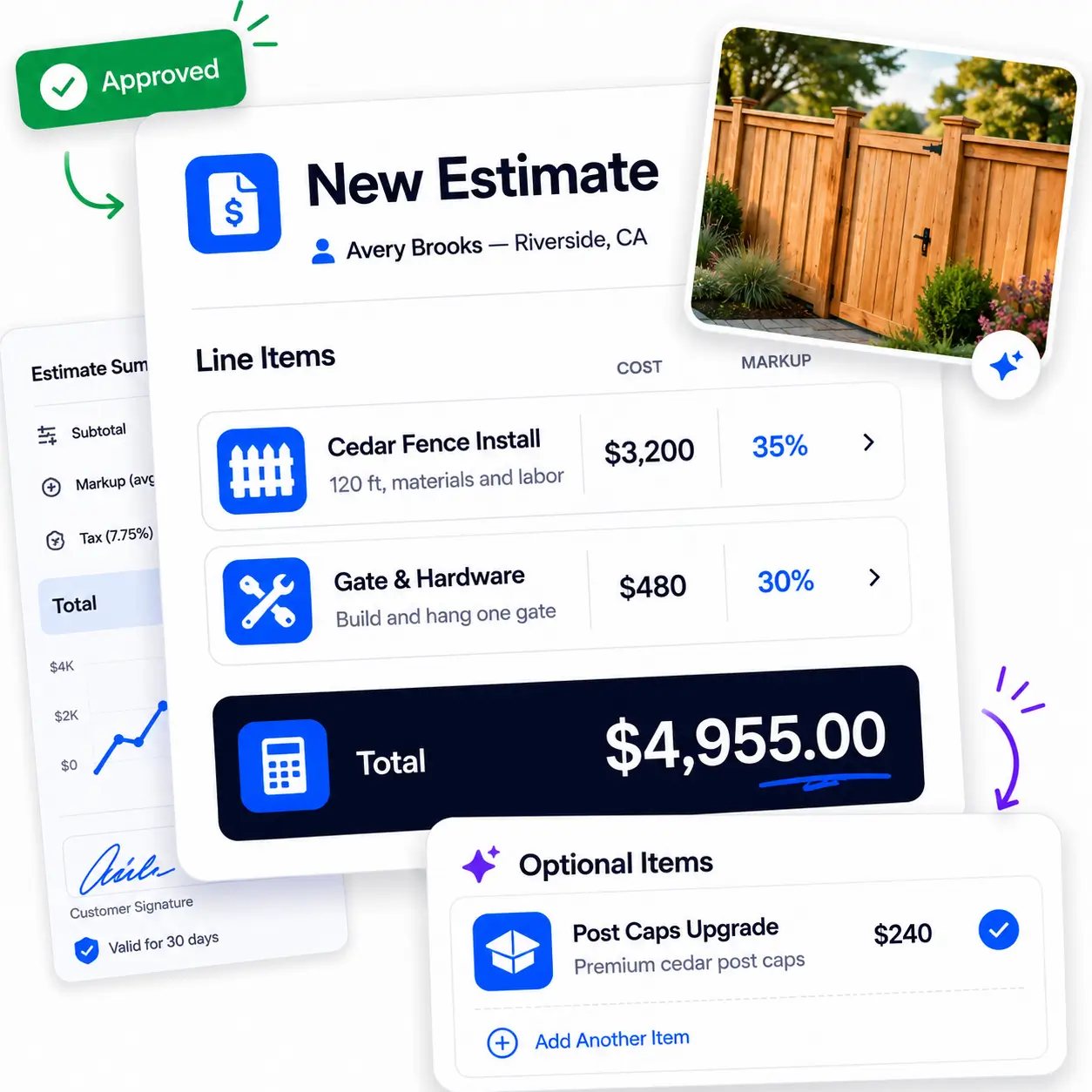
Estimate Design
Build a polished estimate before you leave the customer's property. Lay out the work with clear line items, descriptions, and photos, and set your cost and markup on each line. Every estimate carries your own branding, your company name, logo, contact details, and license numbers, so you look established and professional on every quote you send.
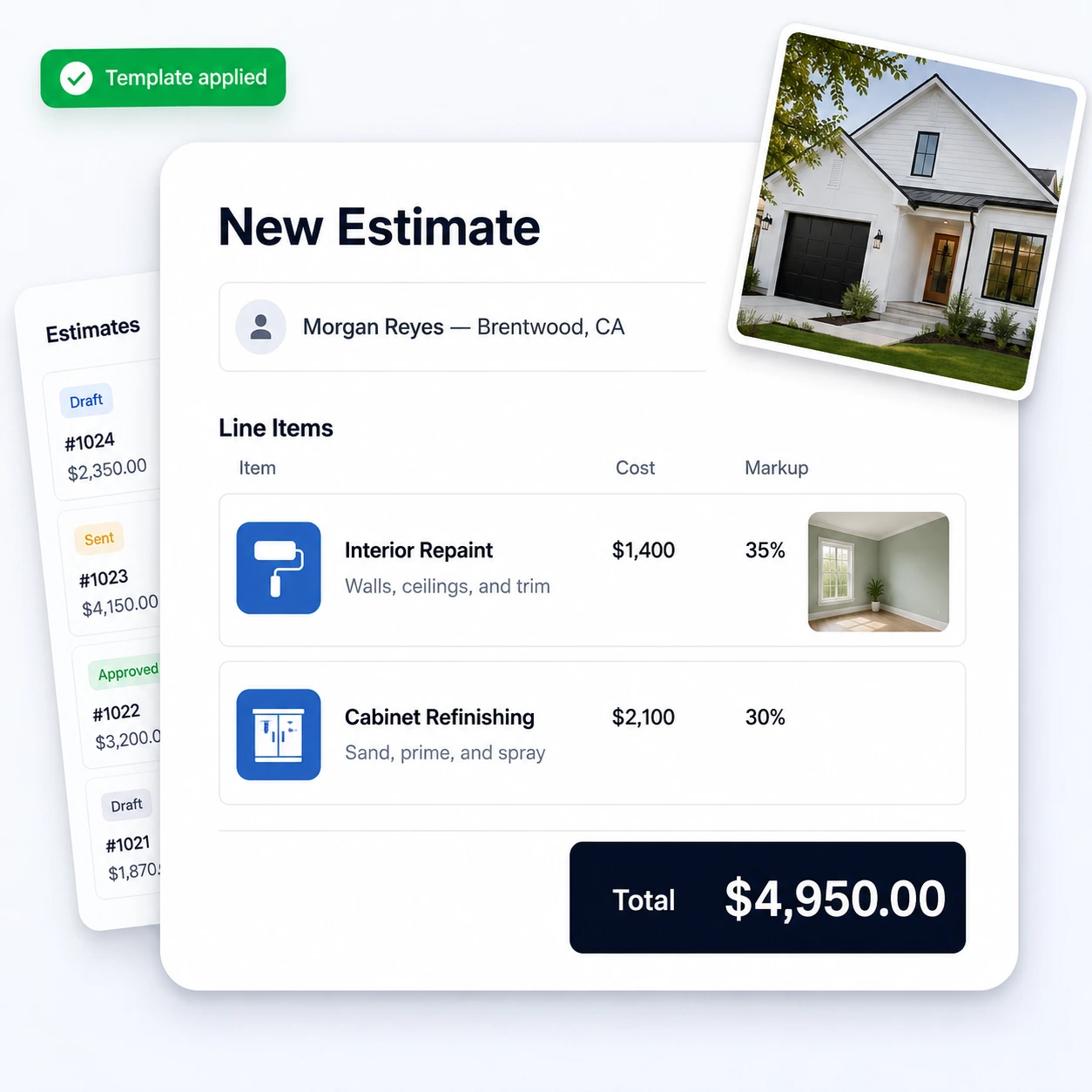
Optional Line Items
Suggest optional line items and premium add-ons right inside the estimate. Customers pick the services that fit their needs and watch the total update automatically before they approve, with no back-and-forth revisions.
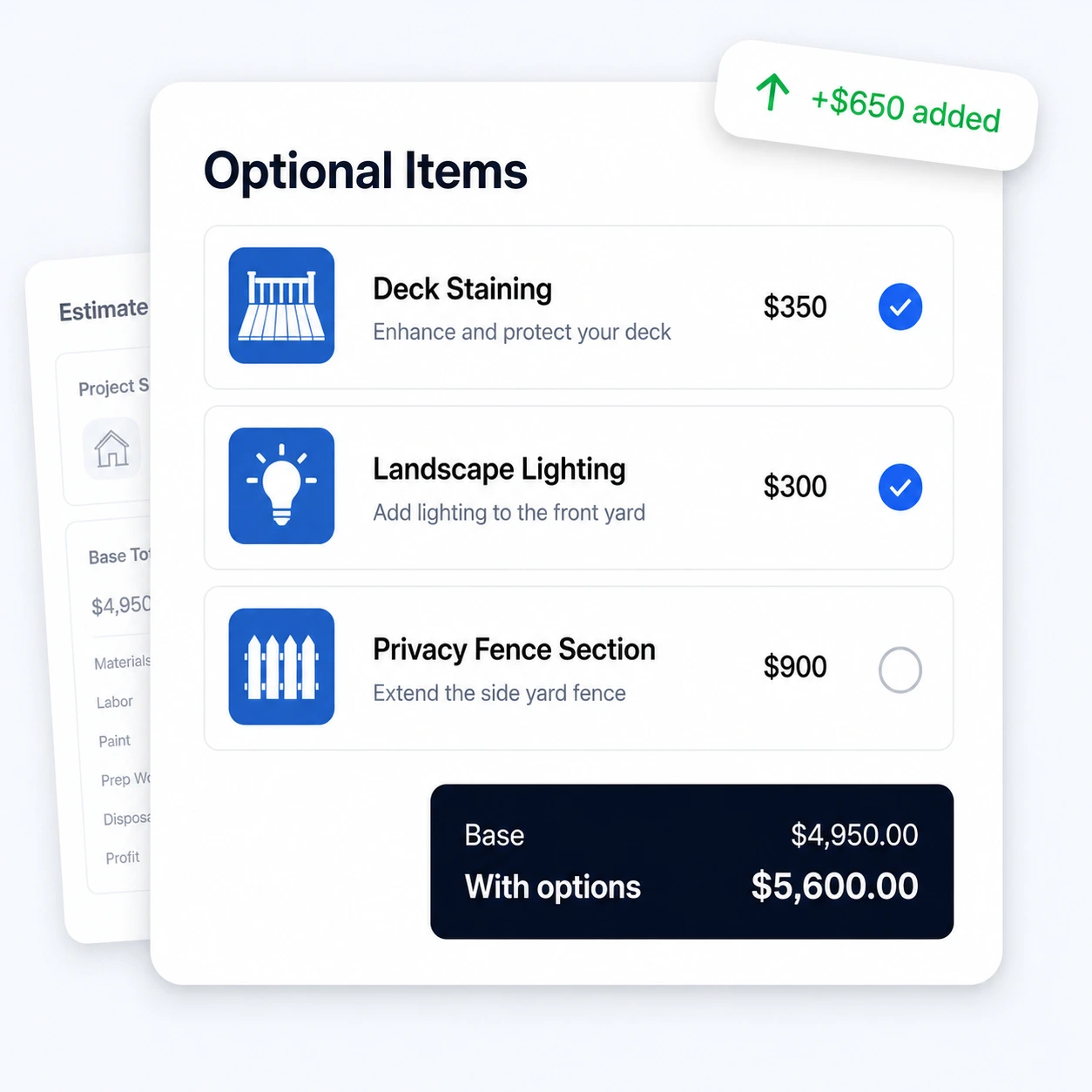
Deposits
Require a deposit to lock in the job. When a customer approves the estimate, they sign and pay their deposit online in the same step, so the work is booked and you are paid before it starts.
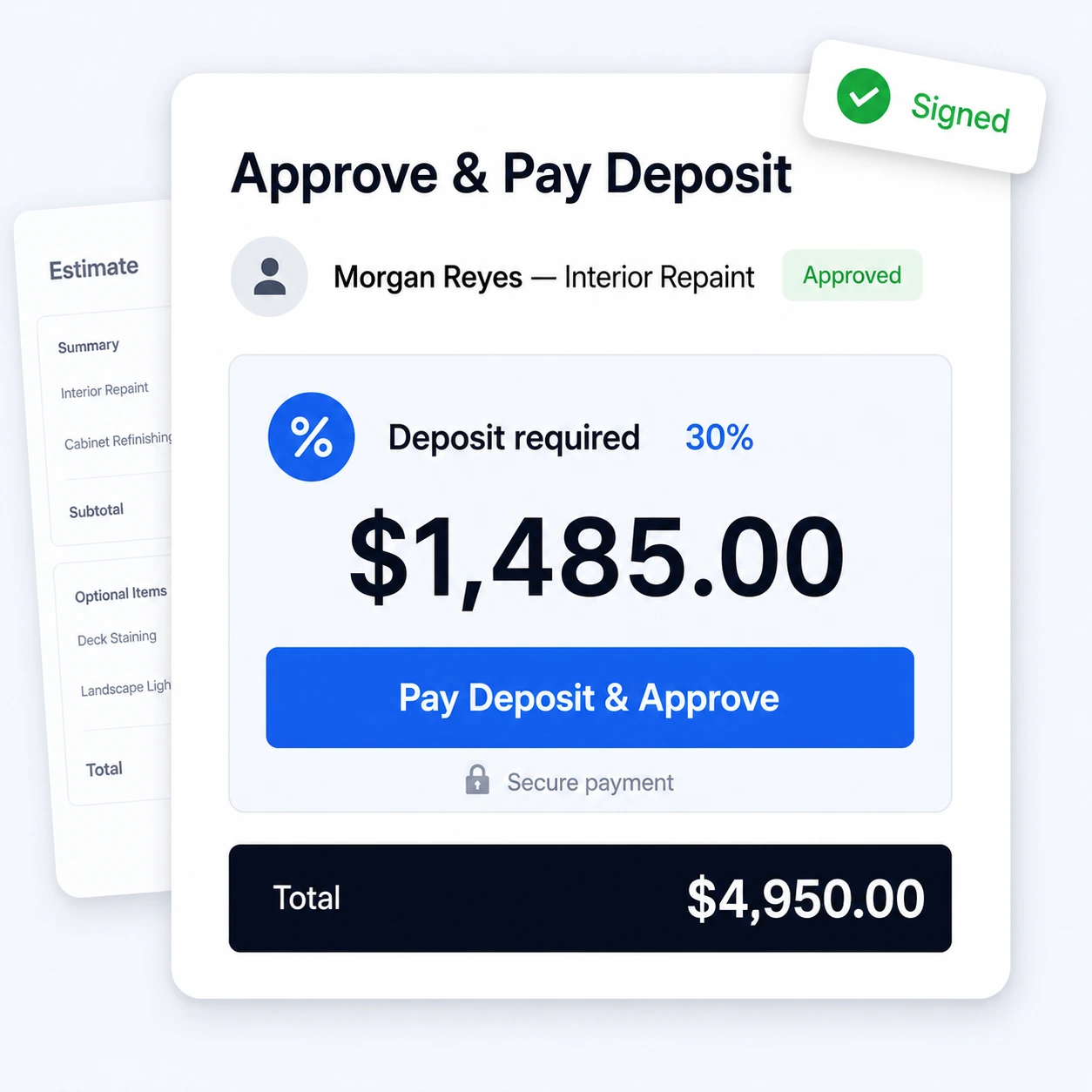
Online Approval
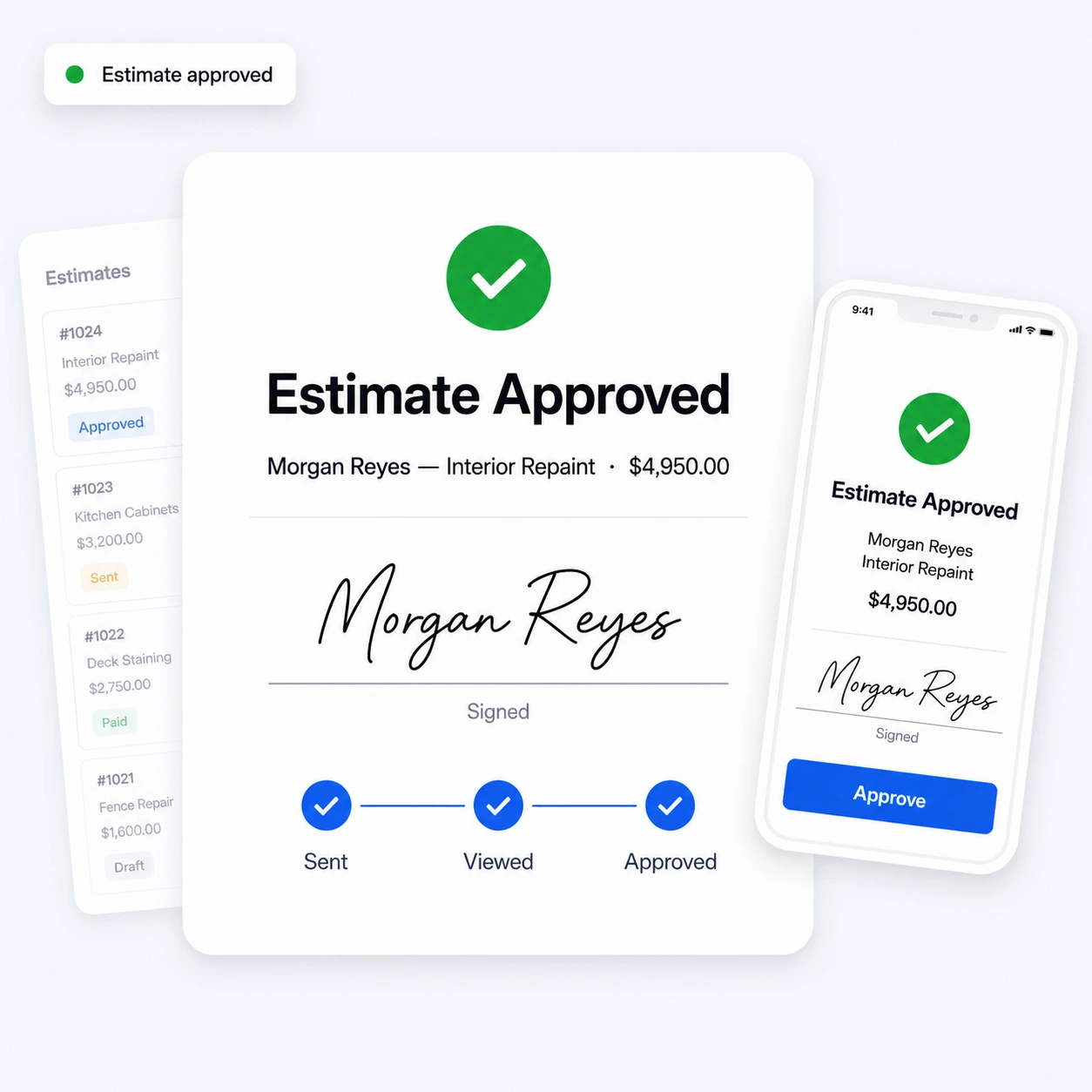
Customers review, e-sign, and approve estimates online, or request changes if they need them. You are notified the moment an estimate is viewed or approved, so you can schedule the job right away.
Automated Follow-ups
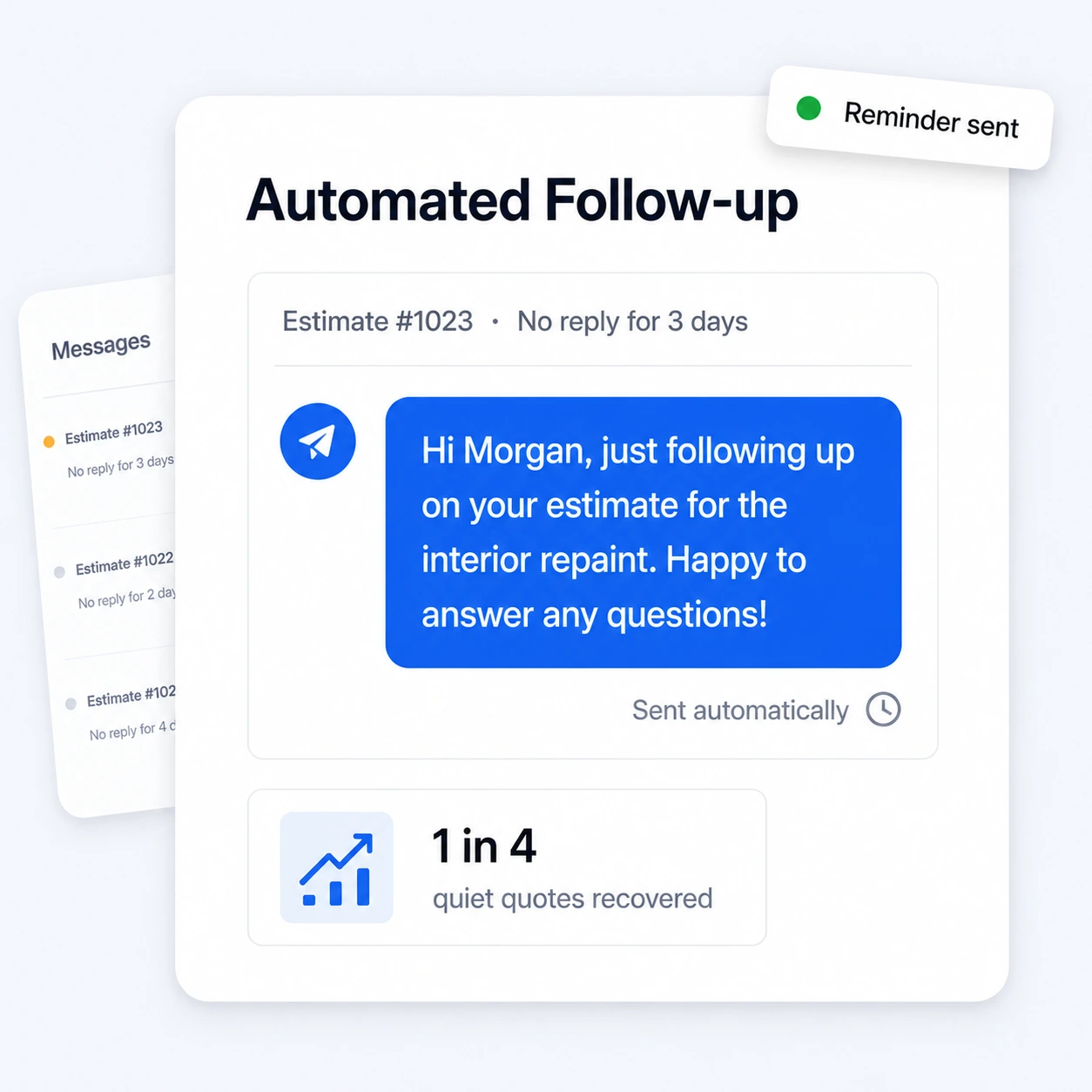
Never leave work on the table. RynoSuite automatically follows up on estimates you have not heard back on, so quiet quotes do not slip through the cracks and you win more of the work you have already quoted.
Powered by AI
The estimate features above get faster with AI built in. Draft a full estimate from a few words, show customers the finished result before they approve, and let the Ryno Assistant send and follow up for you.
Ryno Assistant
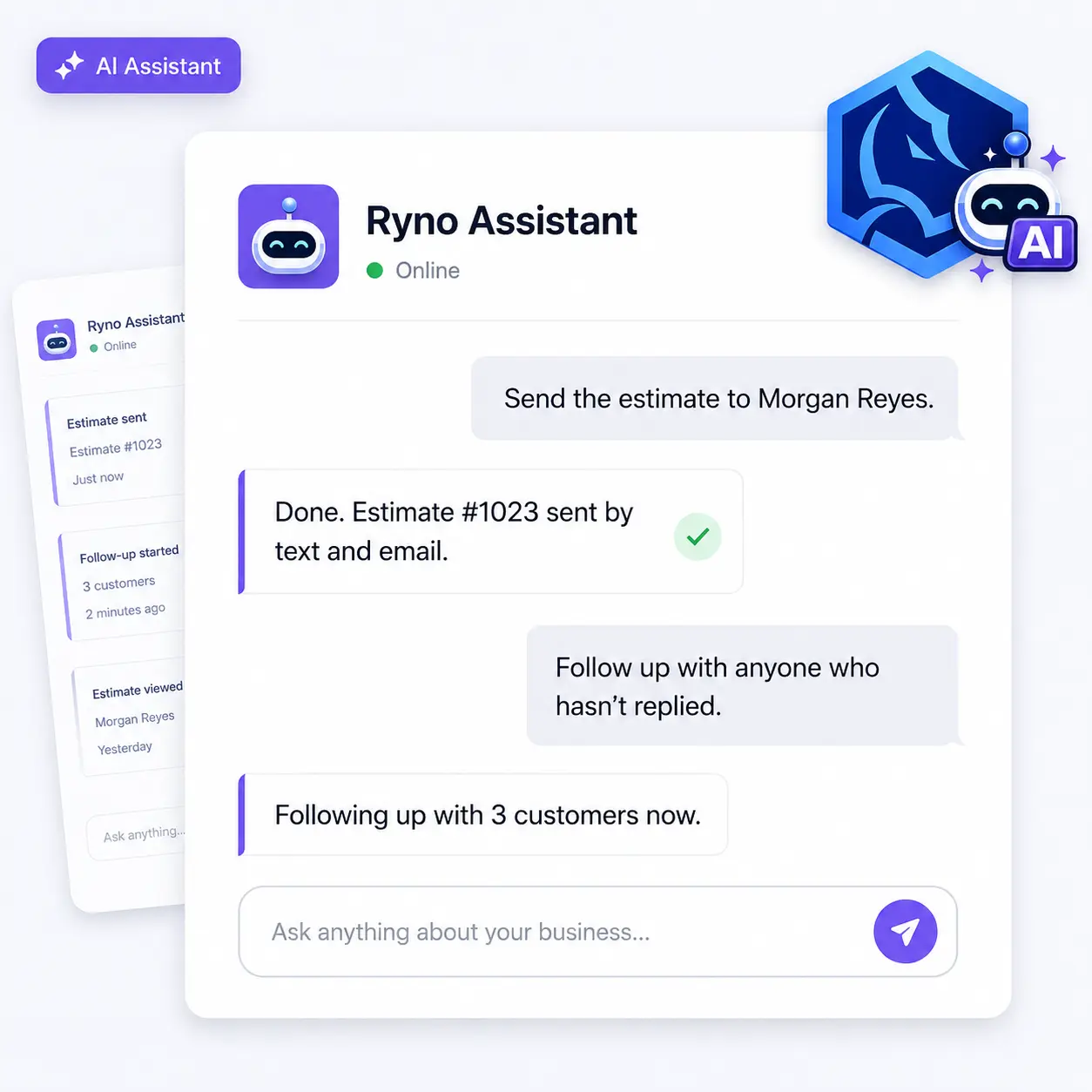
Ask the Ryno Assistant to pull up an estimate and send it, to one customer or several at once. Your AI assistant handles the busywork so you can quote faster and follow up without lifting a finger.
AI Estimate Generator
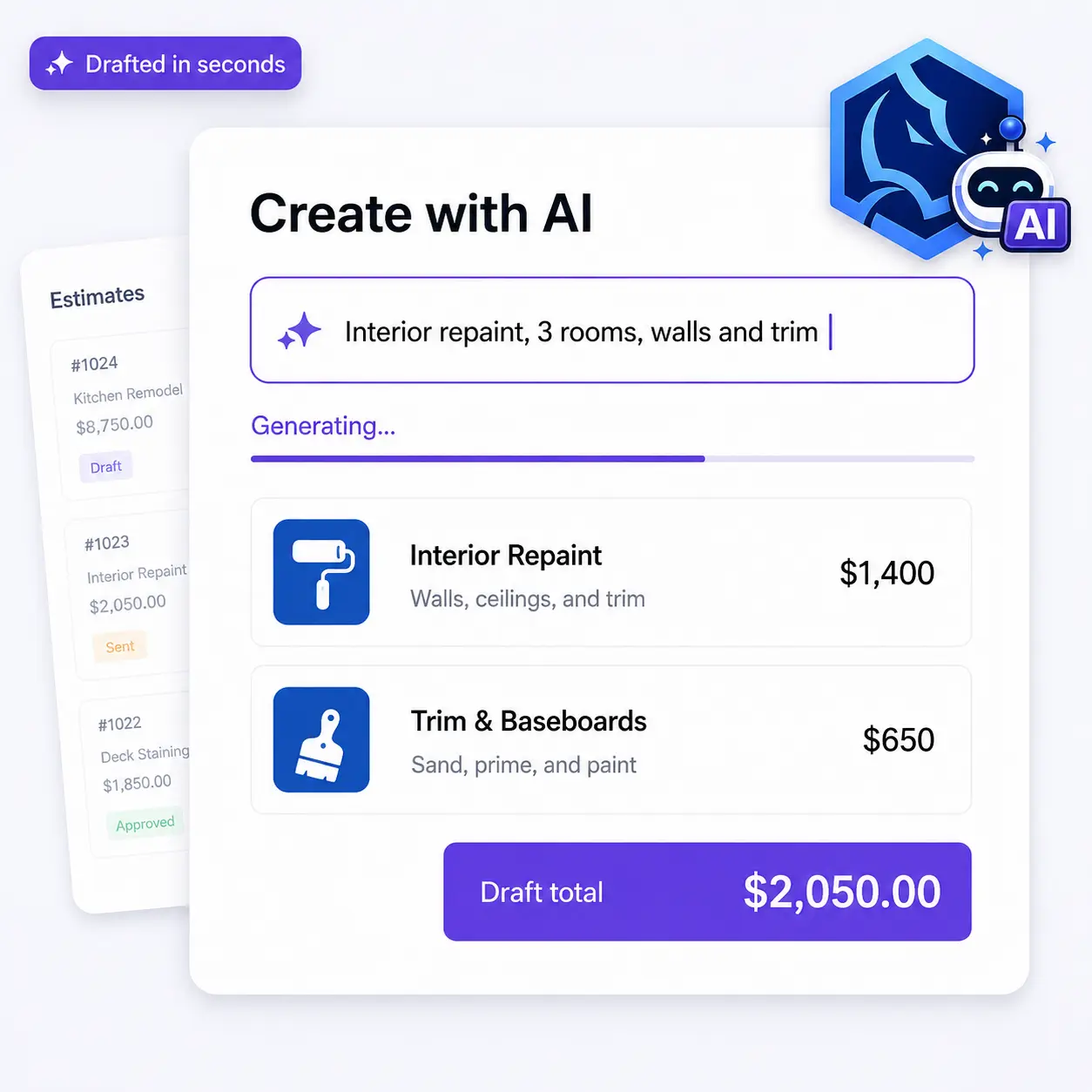
Describe the job in plain language, or start from a customer request, and the AI Estimate Generator builds a complete estimate with line items, descriptions, and pricing. Review, adjust, and send it in a fraction of the time.
AI Visualizer
Turn a quick photo into a realistic preview of the completed project and attach it right to the estimate. Customers see what they are paying for before they approve, so you close more of the work you quote.