Skip to content

Start your 14-day free trial - no credit card required

Team software for when you're ready to grow

Start solo, add your first hire, or run a small crew, RynoSuite keeps everyone organized, with the right access, clear roles, and a real view of what each person brings in.
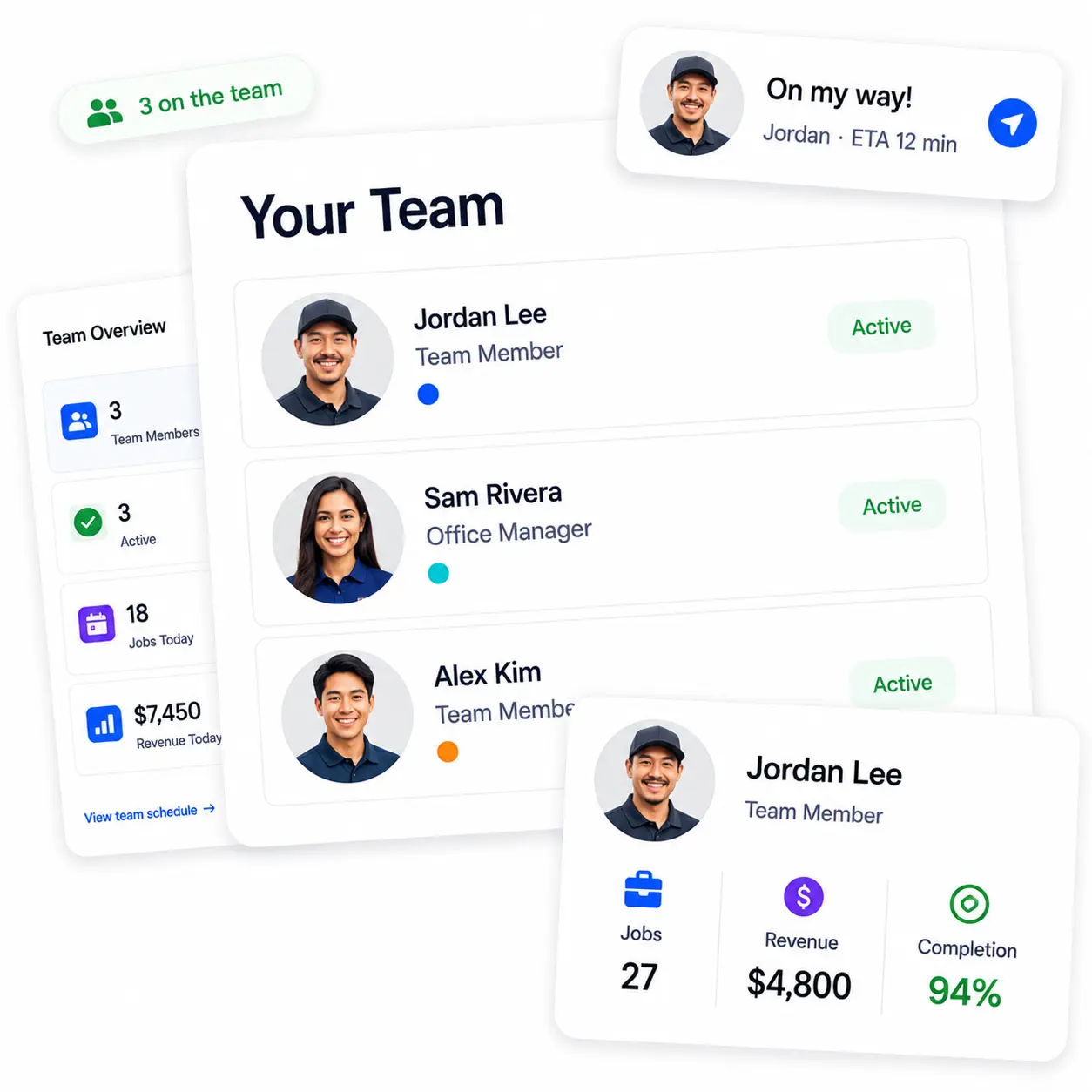
RynoSuite team management with member performance

Add Your Team

Bring your crew on board in minutes

Send an invite, set a role, and pick a color, and that's it, they're in. Each person gets their own color that follows them across your schedule and jobs, so one glance tells you who's doing what. Adding your first hire shouldn't feel like setting up payroll, and here it doesn't.
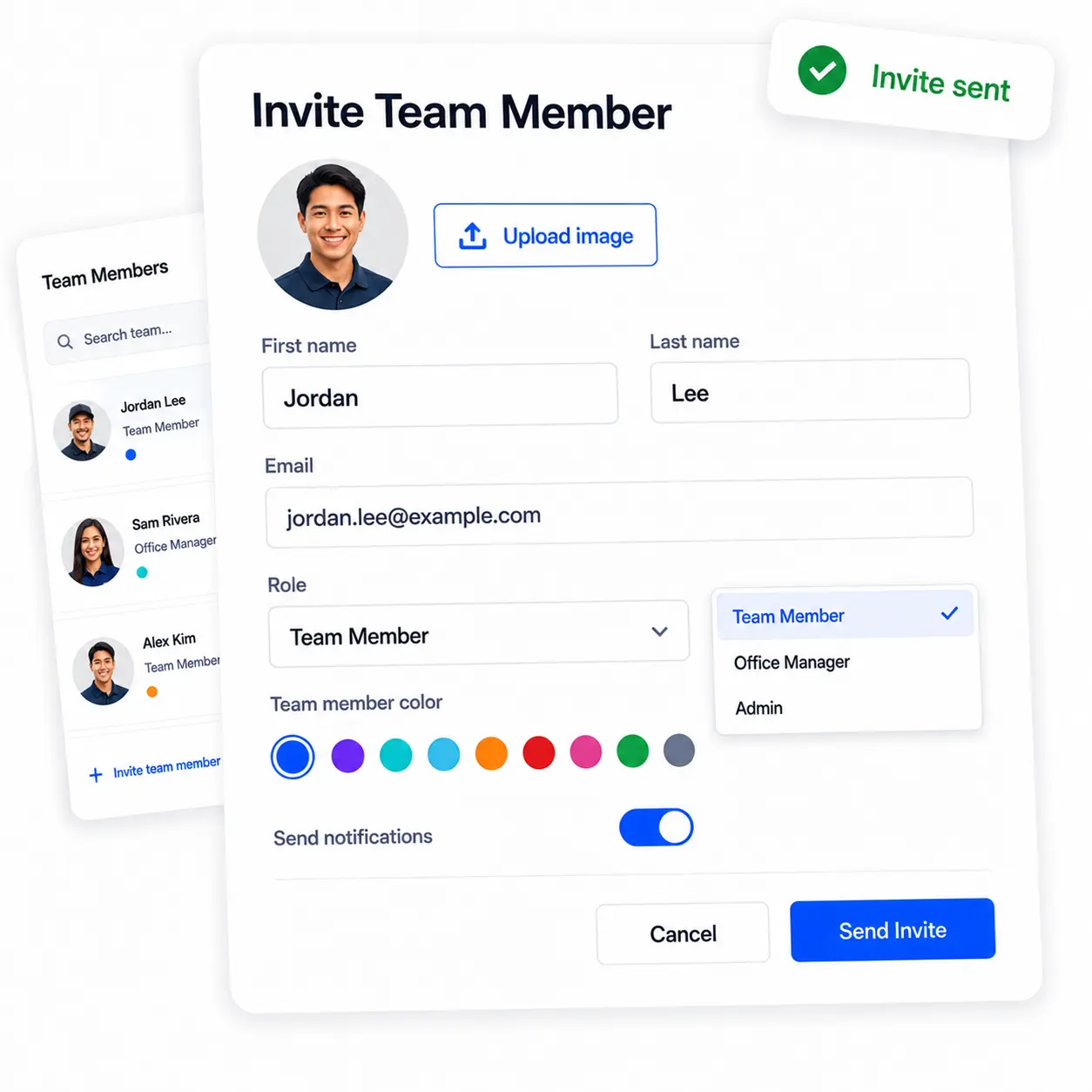
Inviting a team member with a role and color
  • Invite members by email in a couple of taps
  • Each member gets a color across schedule and jobs
  • Set their role and notification preferences
  • Add a profile photo for on-my-way texts

Start Free Trial

Permissions

Everyone sees exactly what they should

Hiring means trusting someone with your business, but not necessarily with your whole book. By default, a team member only sees their own jobs. Flip one toggle to give them the full picture, or make them an Office Manager or Admin when they've earned it. You decide how much each person can see, and you can change it any time.
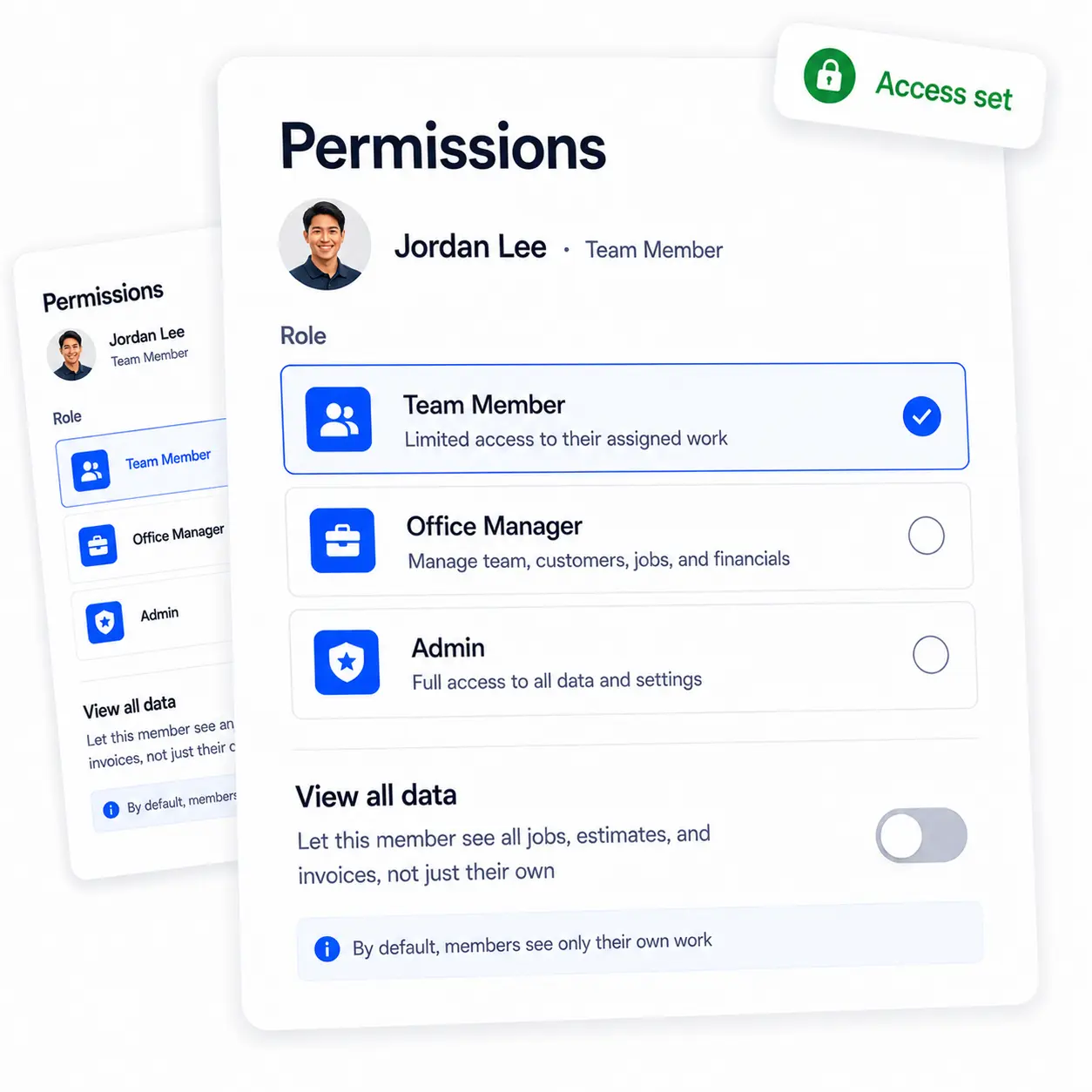
Setting a team member's role and data access
  • Members see only their own jobs by default
  • One toggle gives them the full view when you're ready
  • Team Member, Office Manager, and Admin roles
  • Change anyone's access whenever you need

Start Free Trial

Performance & Cost

See what each person really brings in

Every member has their own scorecard, jobs completed, revenue brought in, hours logged, completion rate, and what they cost you. Set their hourly rate and it flows straight into your job costing, so your profit numbers reflect real labor, not guesses. You'll know exactly who's pulling their weight.
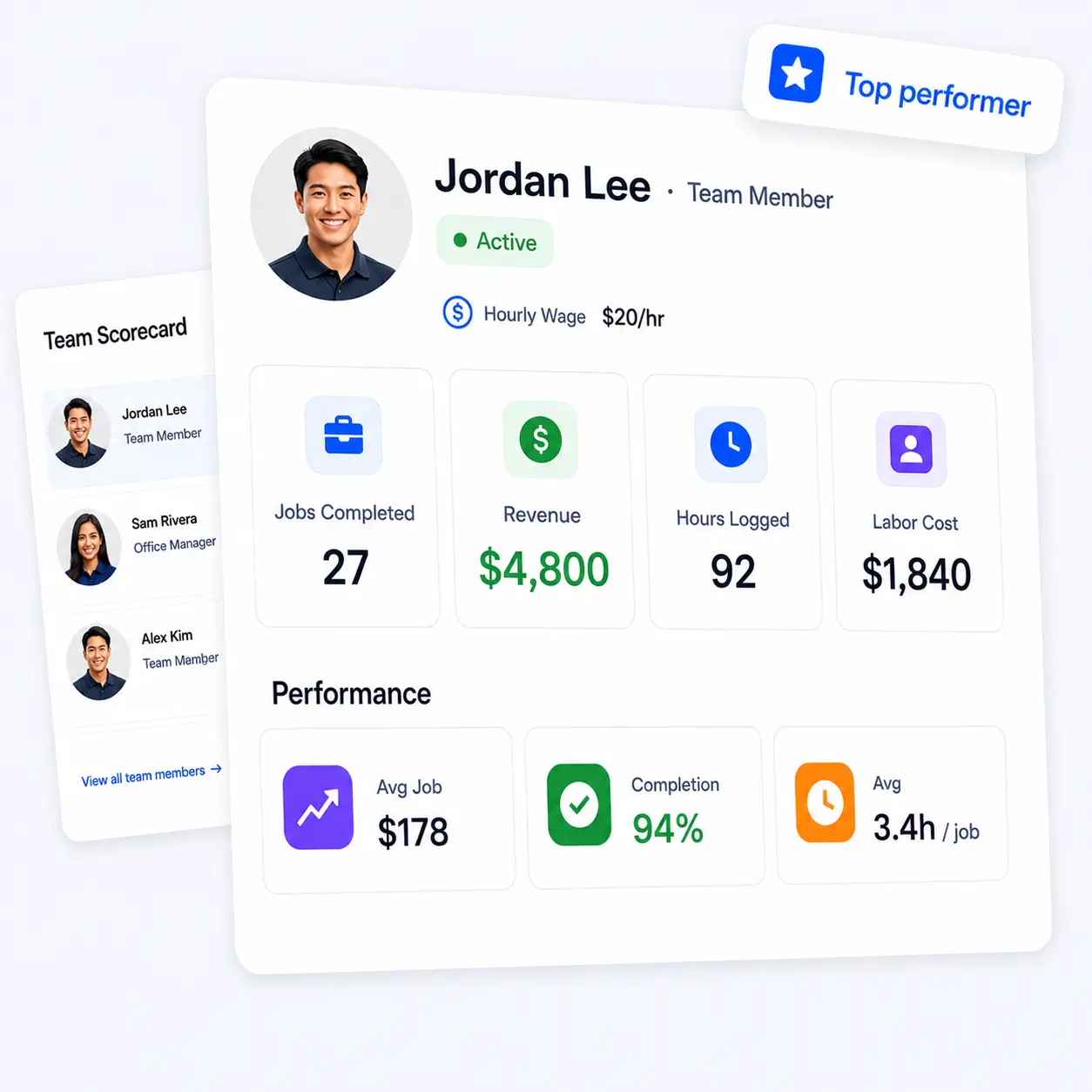
A team member's performance and cost stats
  • Jobs completed, revenue, and hours per member
  • Completion rate and average job size
  • Set an hourly rate that feeds your job costing
  • Know who's most profitable at a glance

Start Free Trial

Built for the Field

Your crew looks sharp and knows the way

When someone's headed to a job, their photo goes out with the on-my-way text, so customers see a friendly face, not an unknown truck. And because each person sets their own starting point, home or the shop, RynoSuite shows how far each job is before they head out. Less guessing, fewer wrong turns, happier customers.

An on-my-way text with a team member's photo and job distance
  • Member photos go out with on-my-way texts
  • See the distance to each job before heading out
  • Each member starts from home or the shop, their call
  • Color-coded so you know who's where all day

Start Free Trial

Ryno Assistant

Ask anything about your team

Your AI assistant knows what everyone's done, brought in, and cost you. Ask in plain language and get a straight answer, no spreadsheets, no guessing.

Profitability

Who's my most profitable employee? How much revenue has John brought in? How much has John cost me this year? Who has the best completion rate?

Workload

How many jobs has John completed? Who's busiest this week? How many hours has the team logged? Who has the most jobs assigned?

Cost & hours

What's my total labor cost this month? What expenses has John logged? Who logged the most hours last week? What's John's average hours per job?

Compare

Who has the highest average job size? Rank my team by revenue this quarter Who finished the most jobs this month? Compare John and Mike's numbers

Ask by any date range, today, last month, this quarter, or year to date.

Meet the Ryno Assistant