Start your 14-day free trial - no credit card required
Log inThe AI Visualizer turns a single photo into a realistic preview of the completed work, fresh paint, new floors, a transformed exterior. Your customer sees exactly what they're paying for and says yes with confidence, while you stand apart from every competitor still handing over a number on paper.
AI Visualizer
Snap a photo, describe the change in plain words, and the AI Visualizer builds a realistic preview right there on the estimate. Your customer sees their own space transformed, so they stop guessing from a sample and start saying yes.
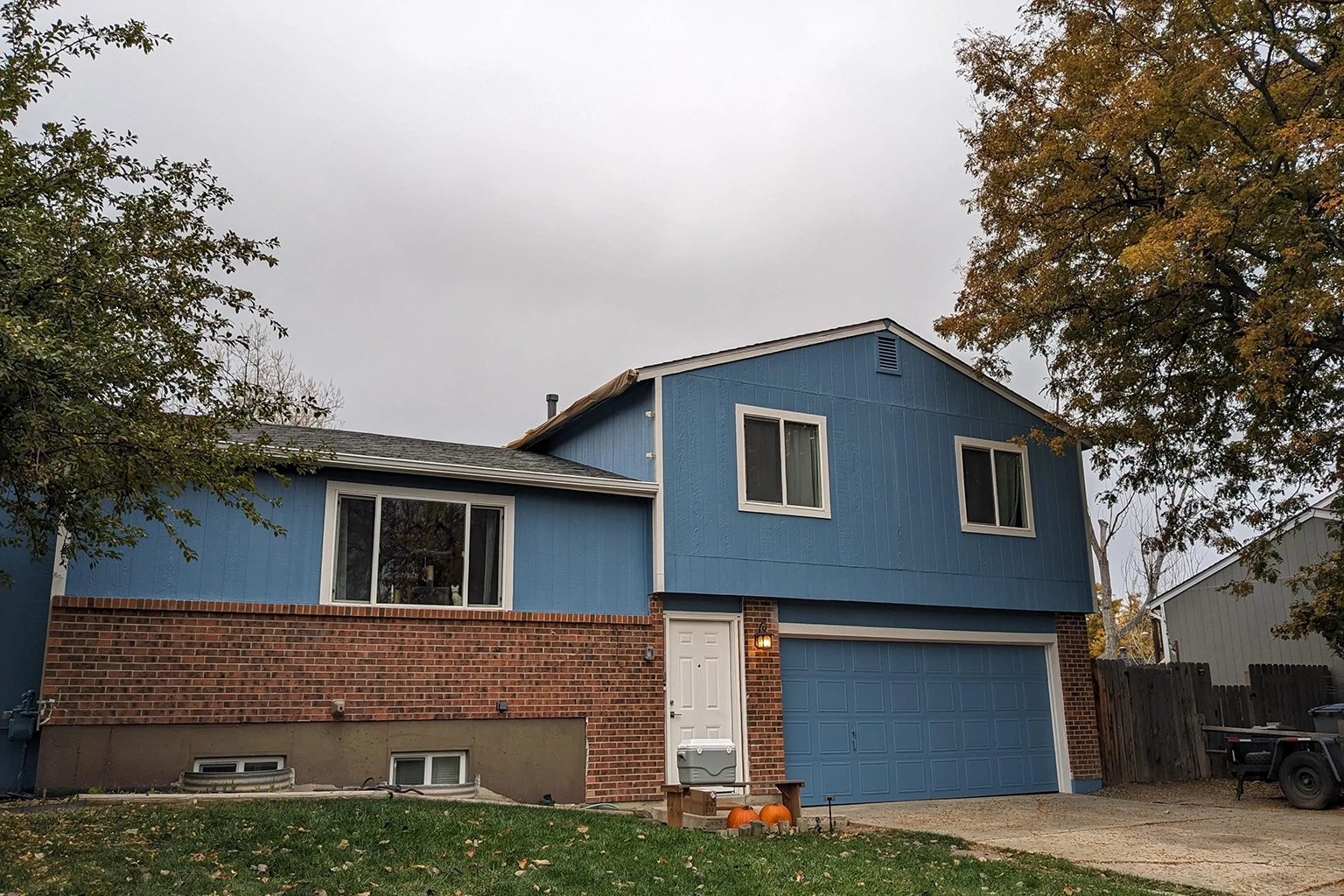
 Before
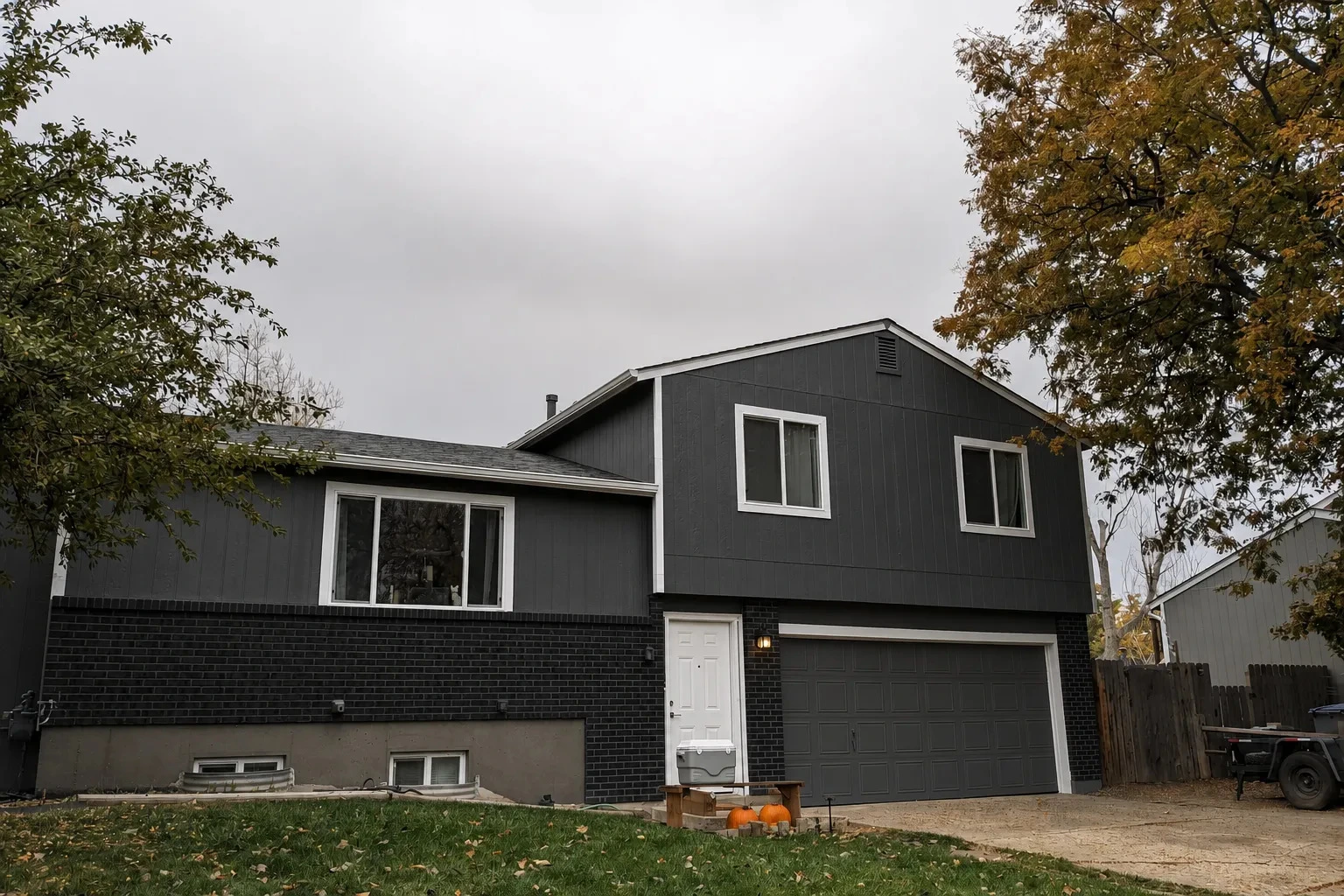
After
Before
After
Before
After
Before
After
Exterior
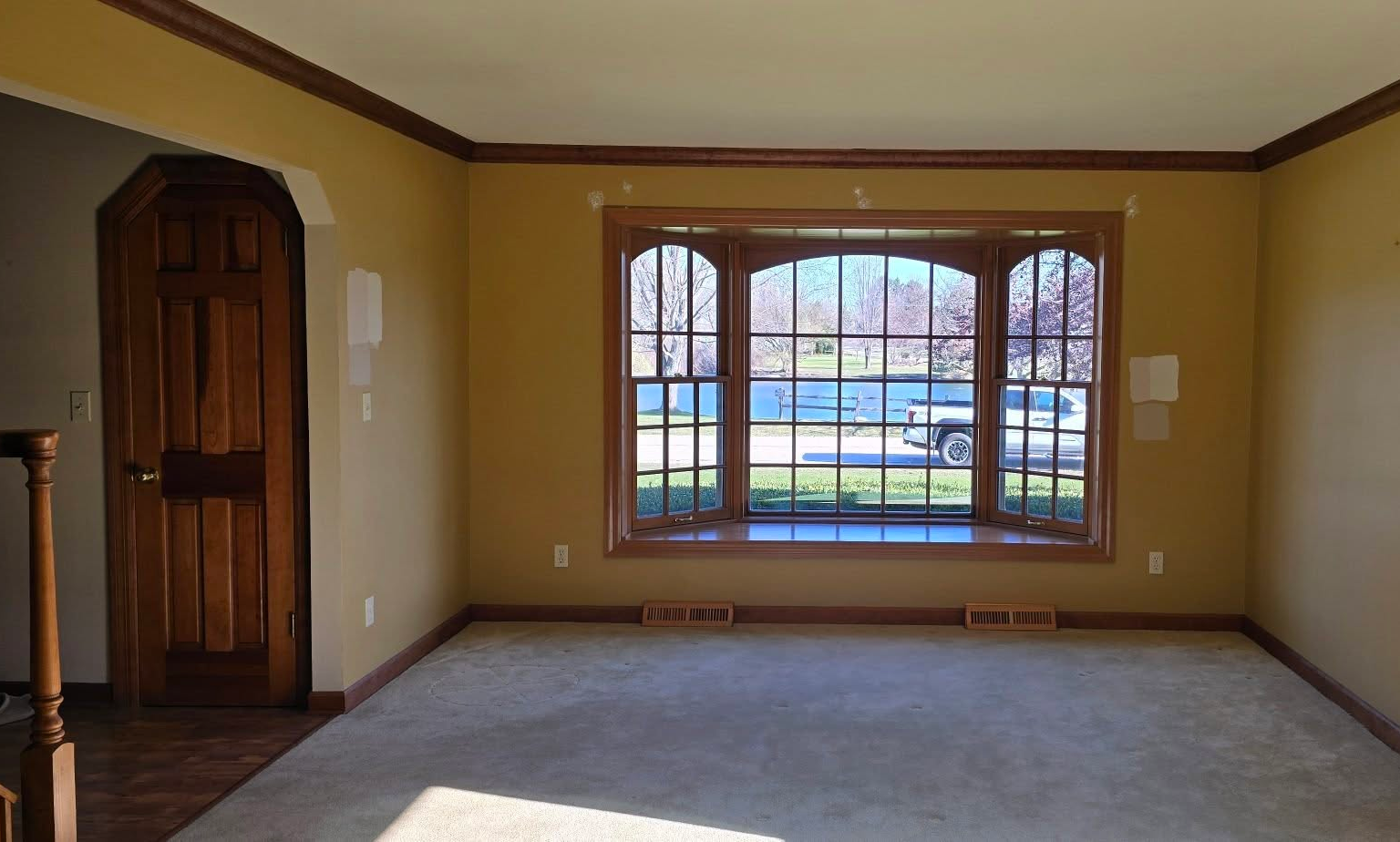 Before
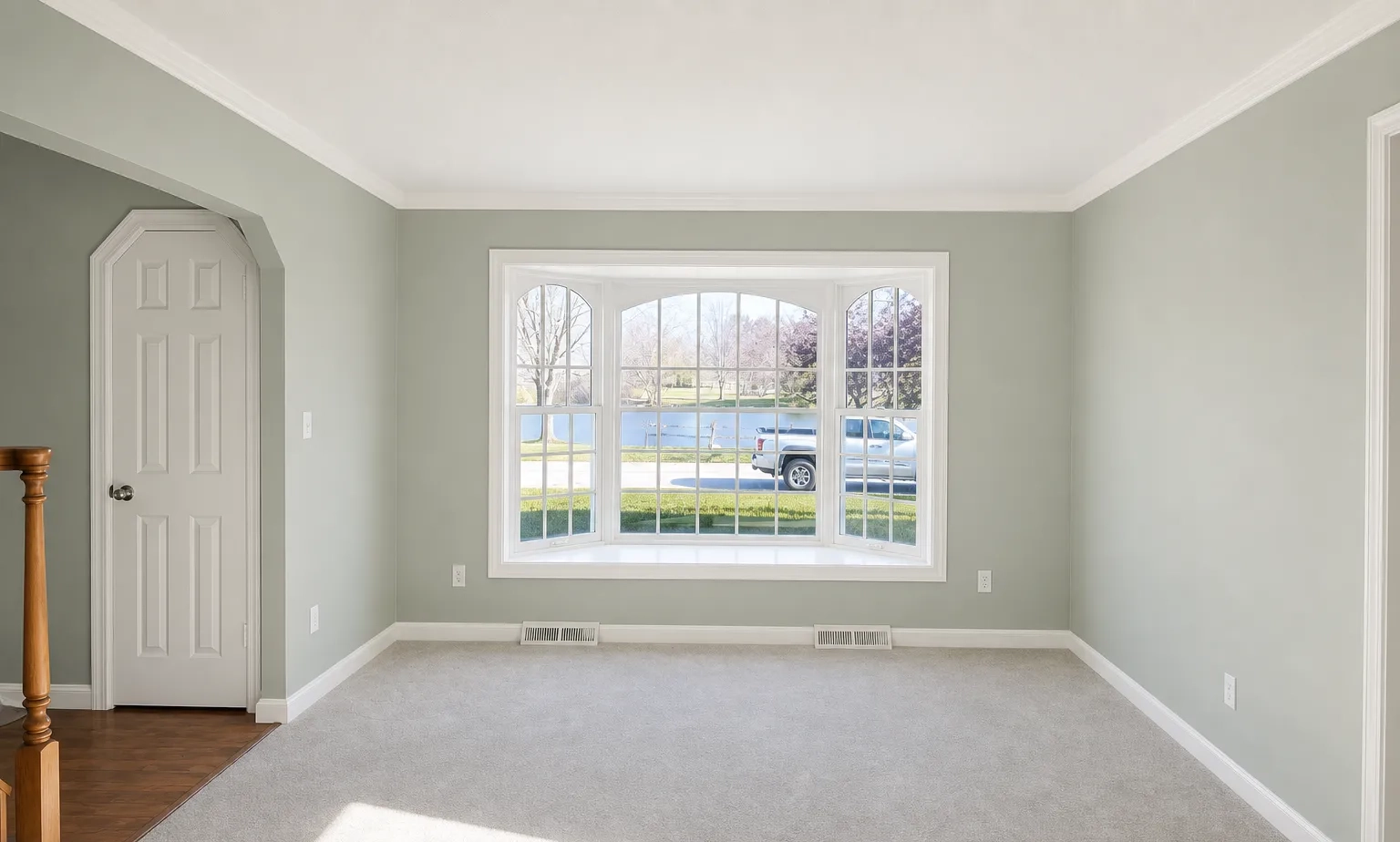
After
Before
After
Interior
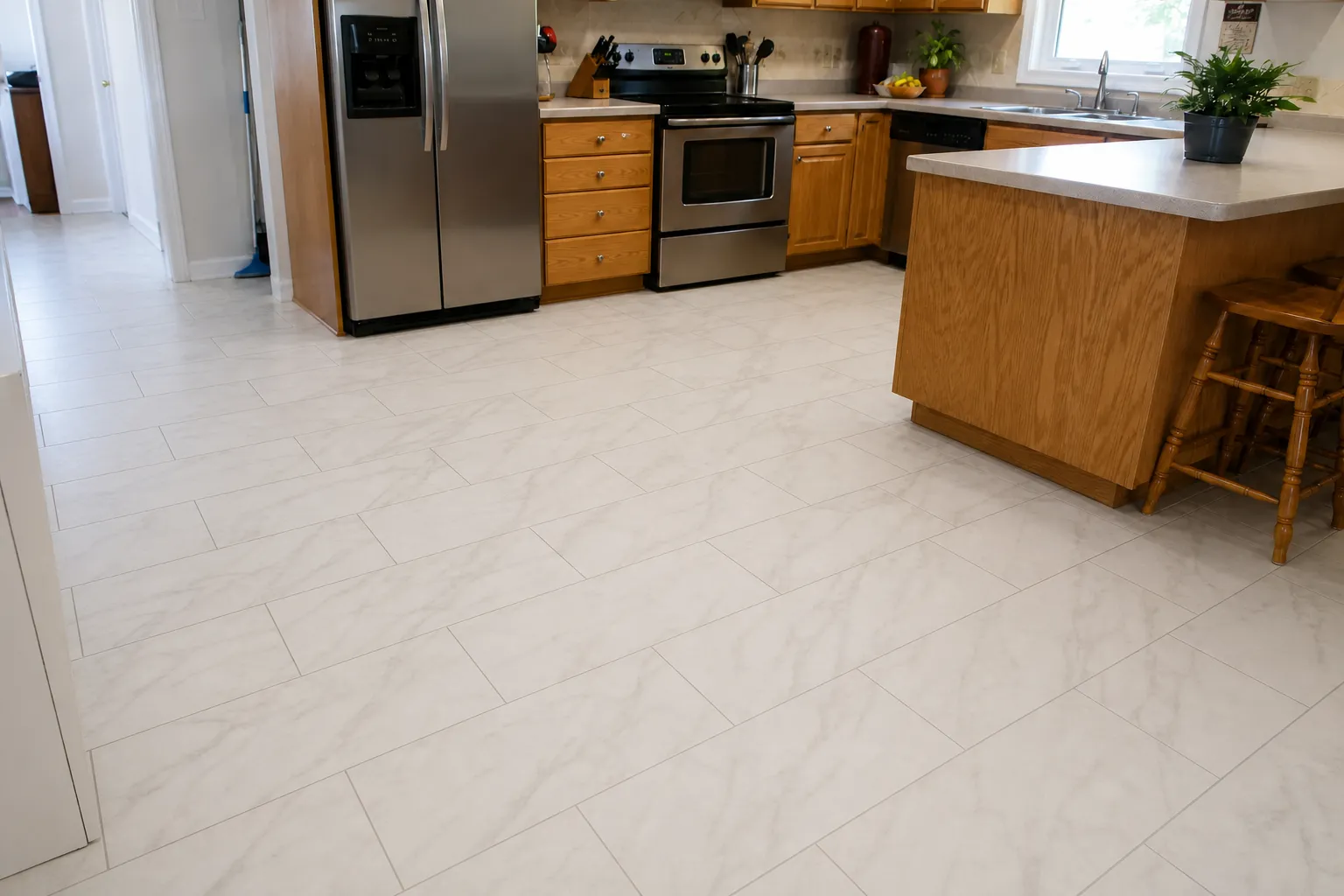
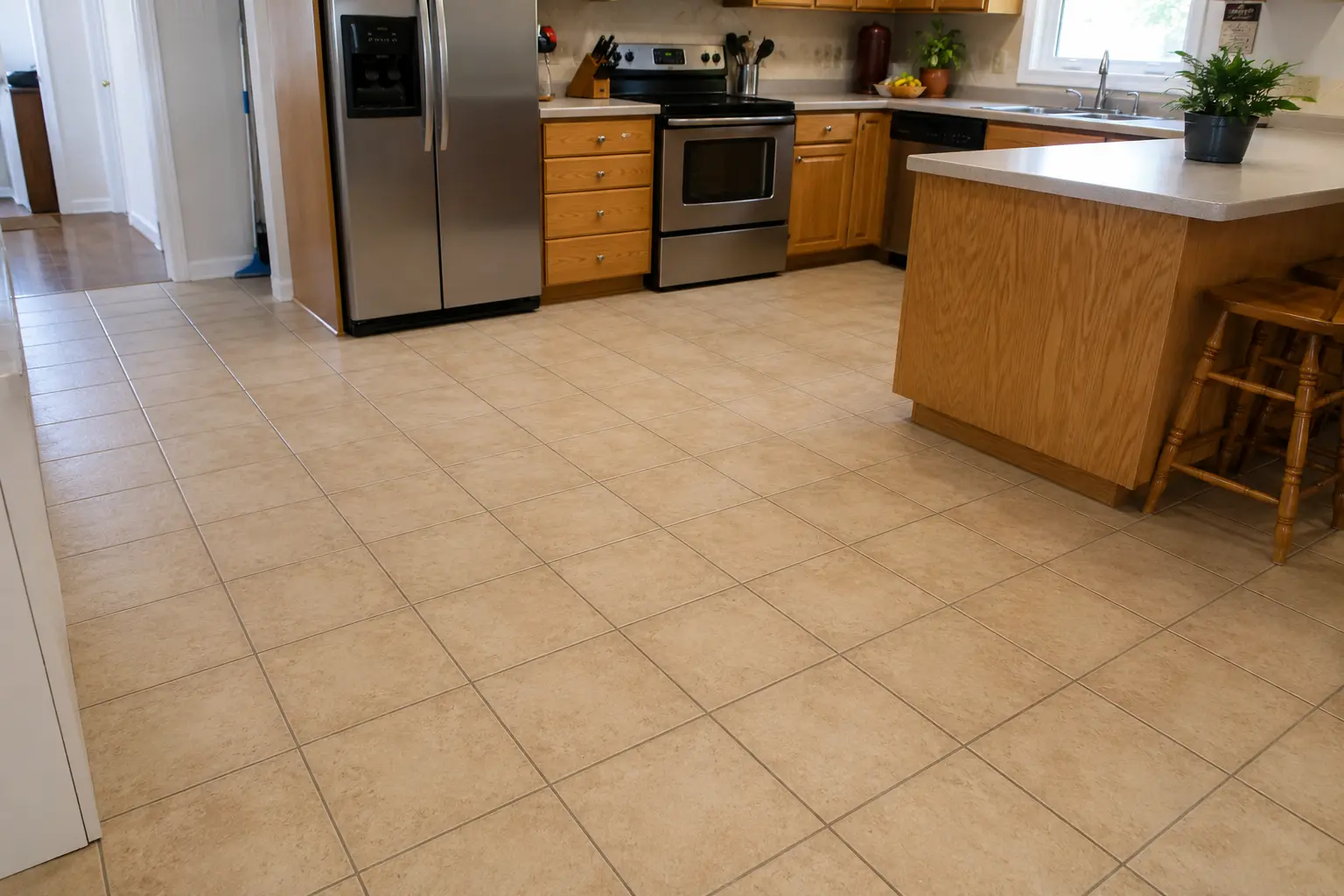 Before
After
Before
After
Tile
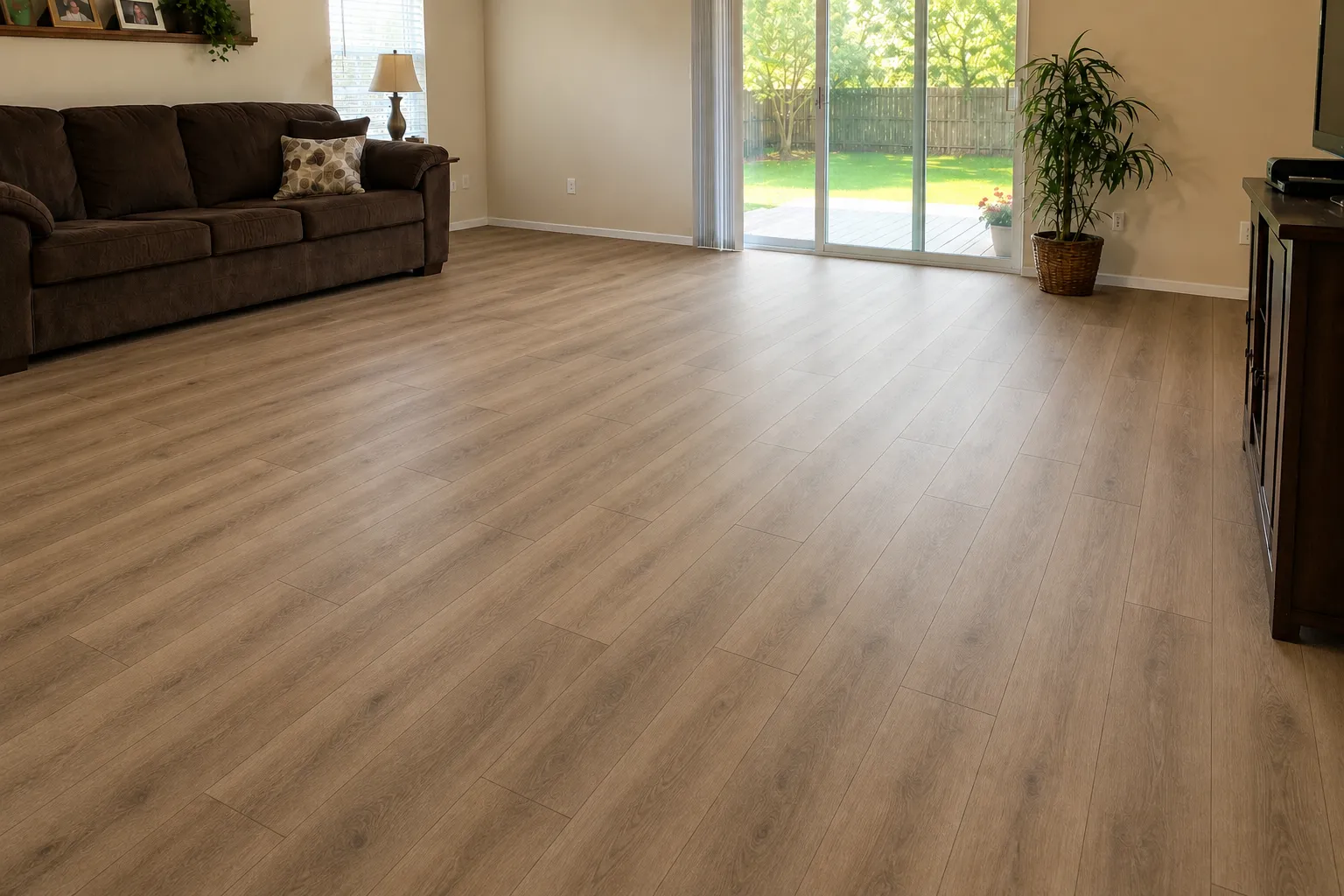
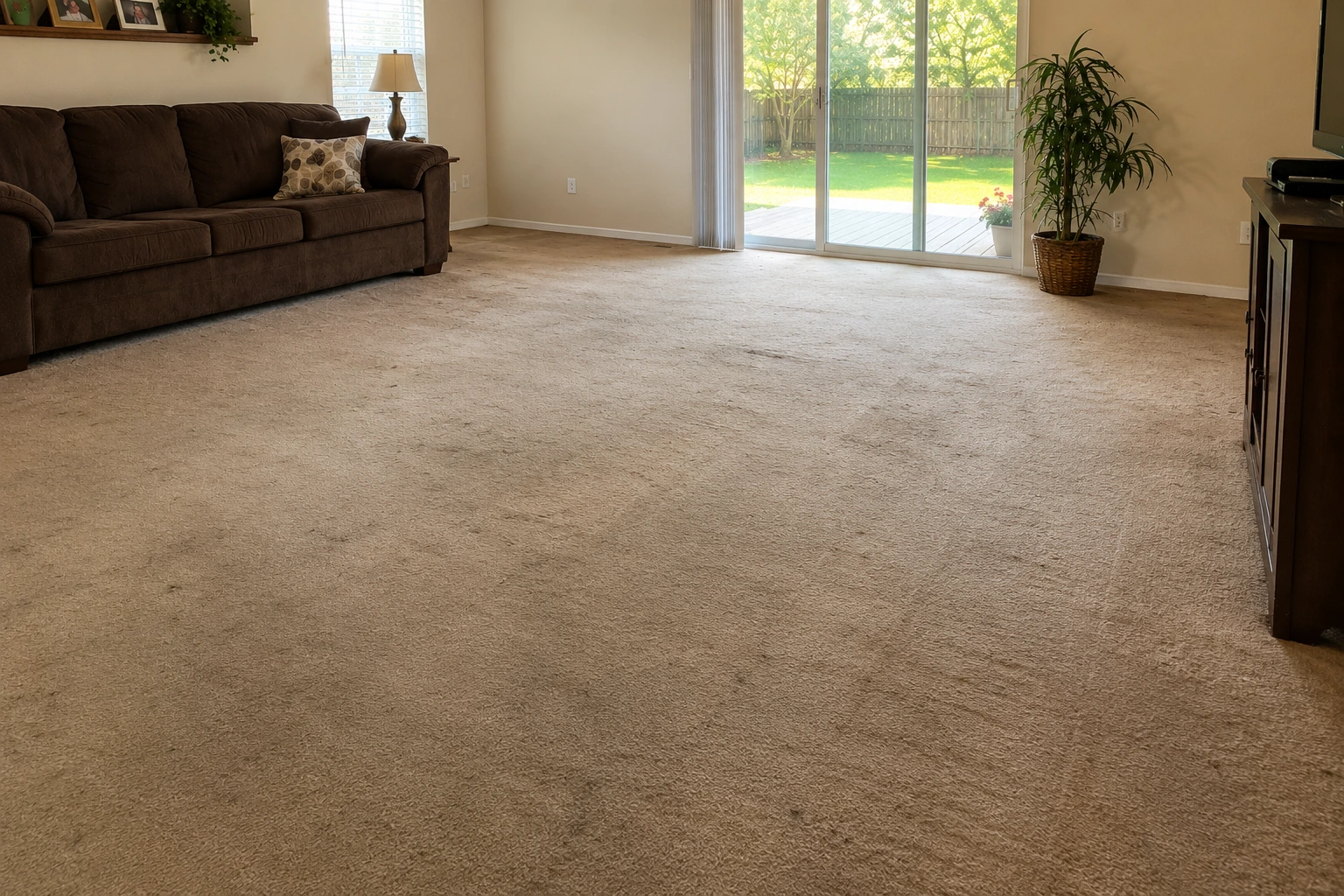 Before
After
Before
After
LVP
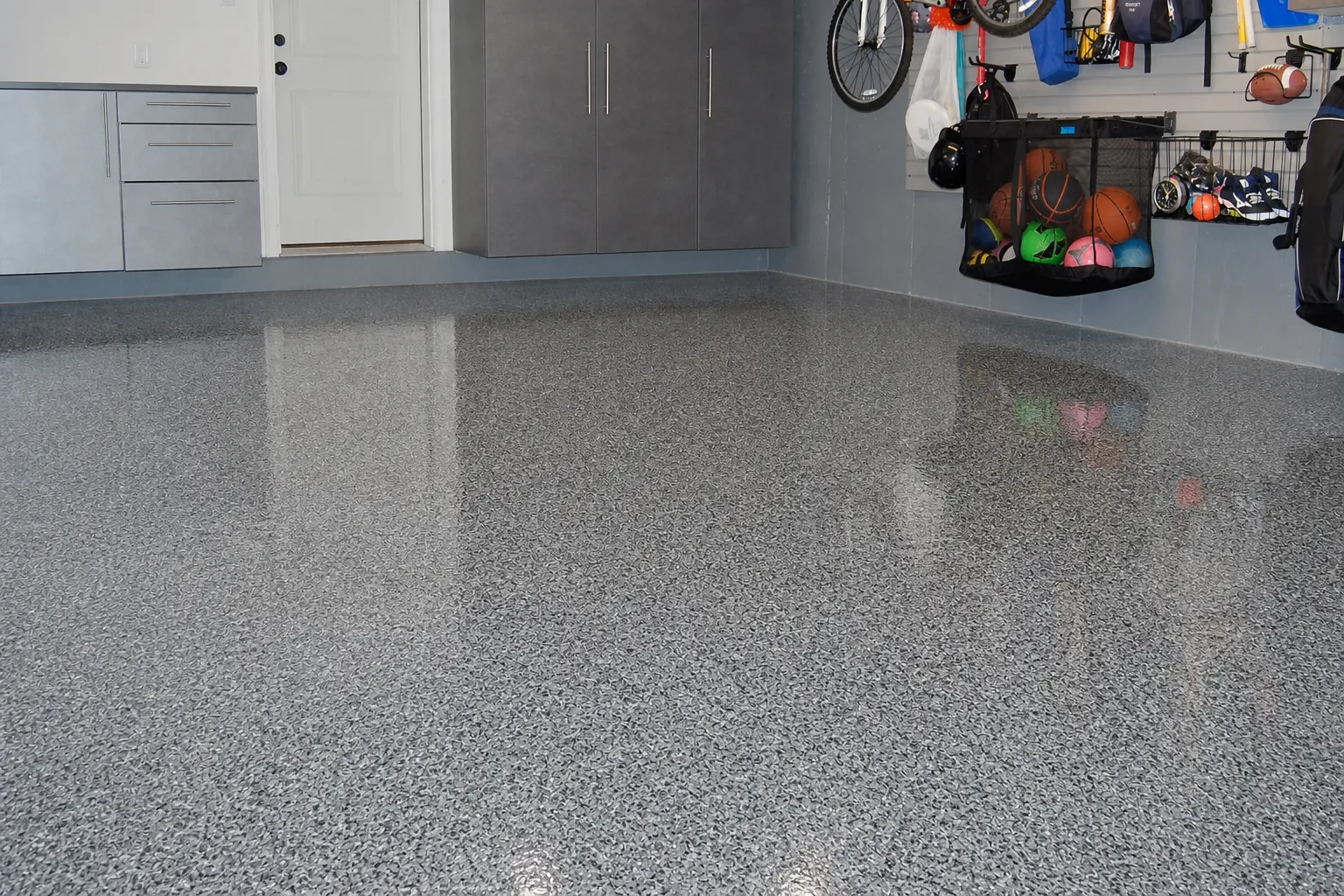
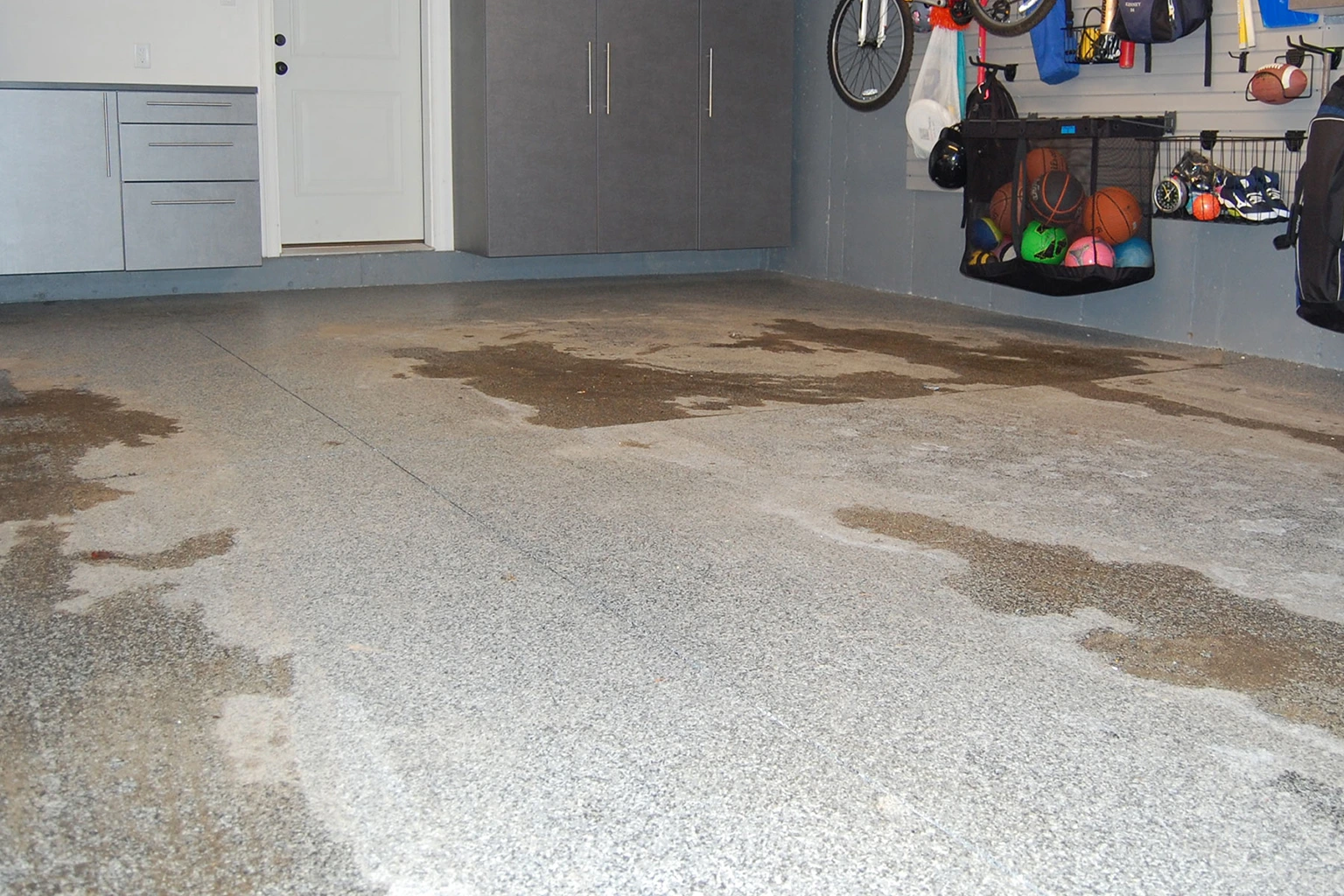 Before
After
Before
After
Epoxy
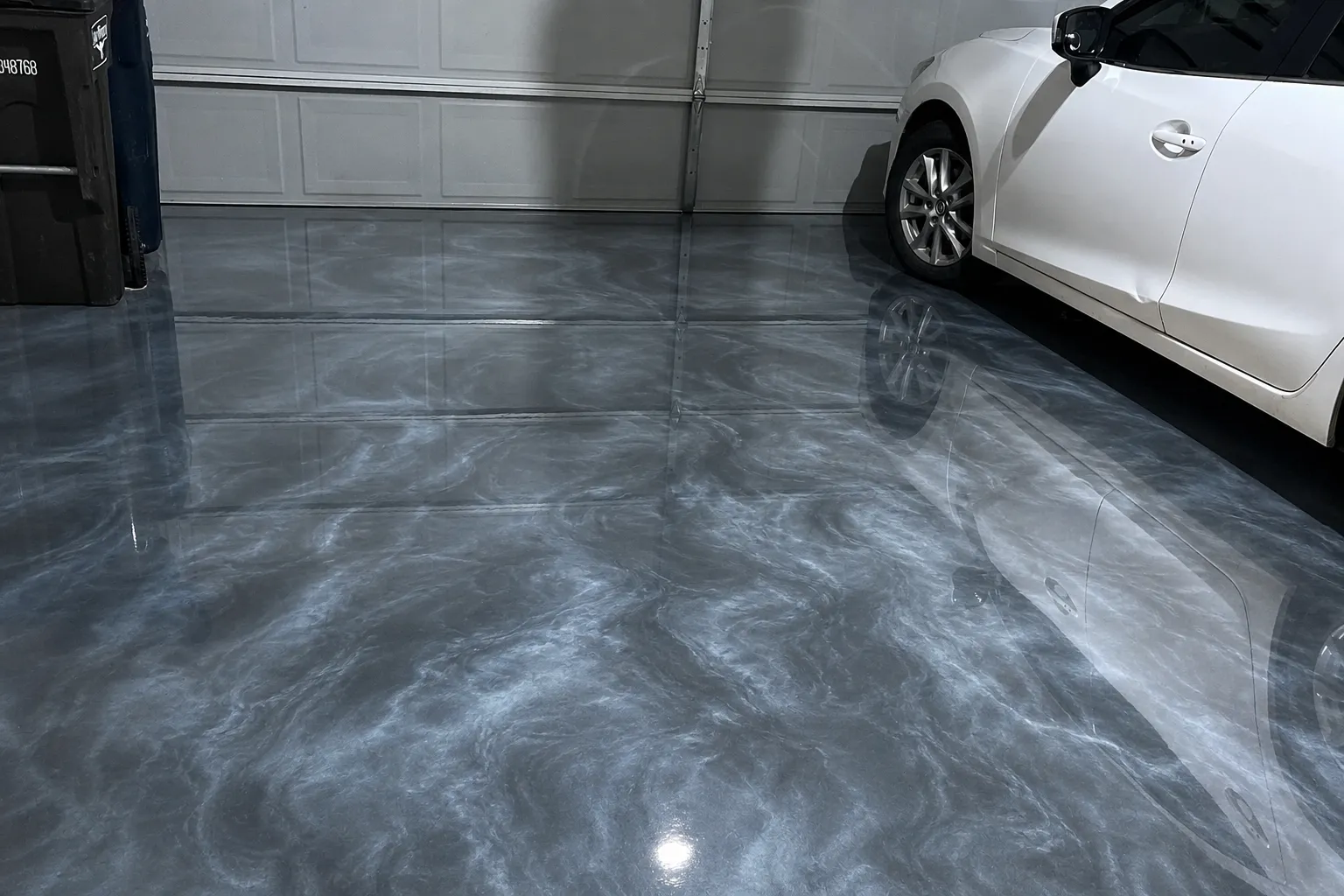
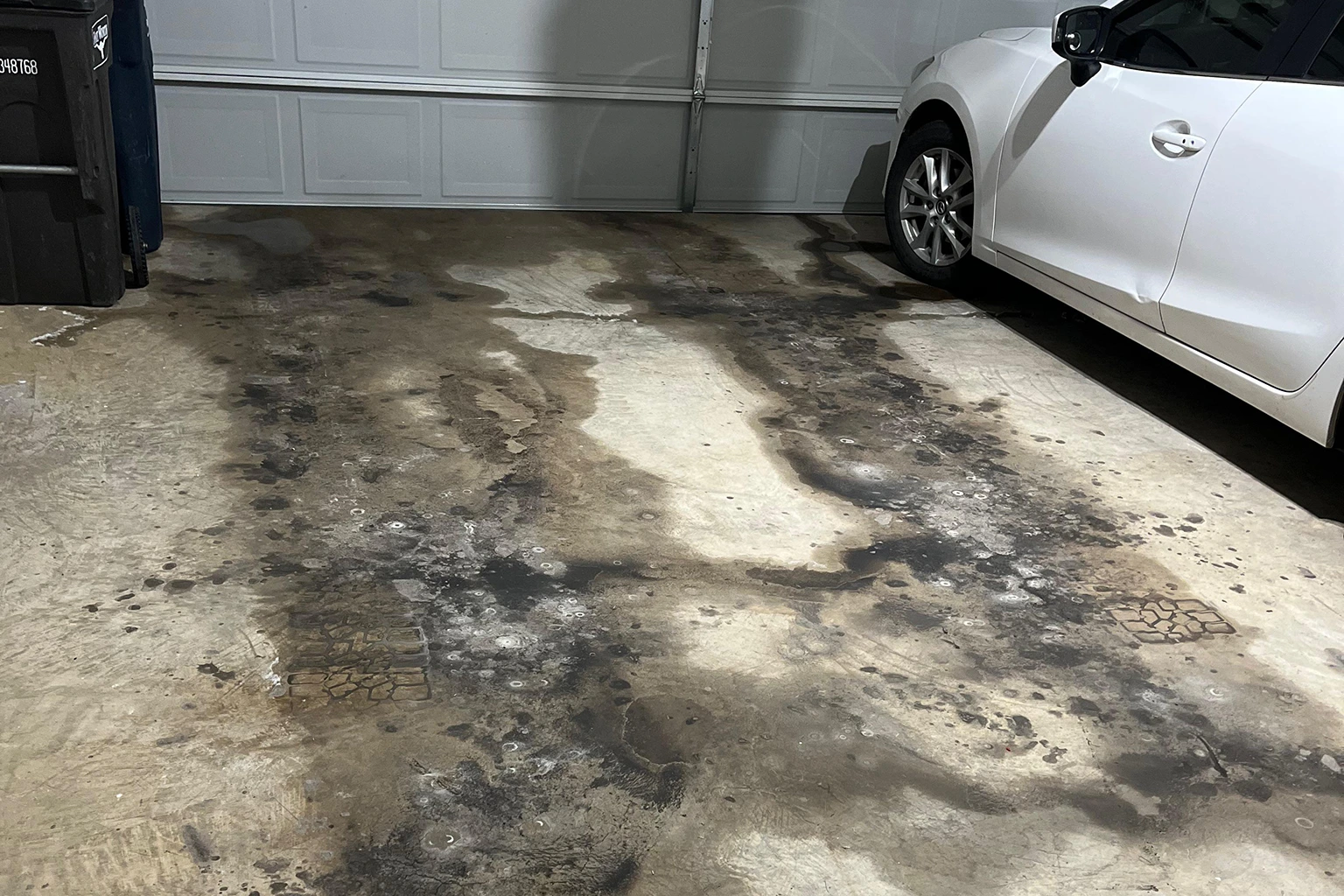 Before
After
Before
After
Epoxy
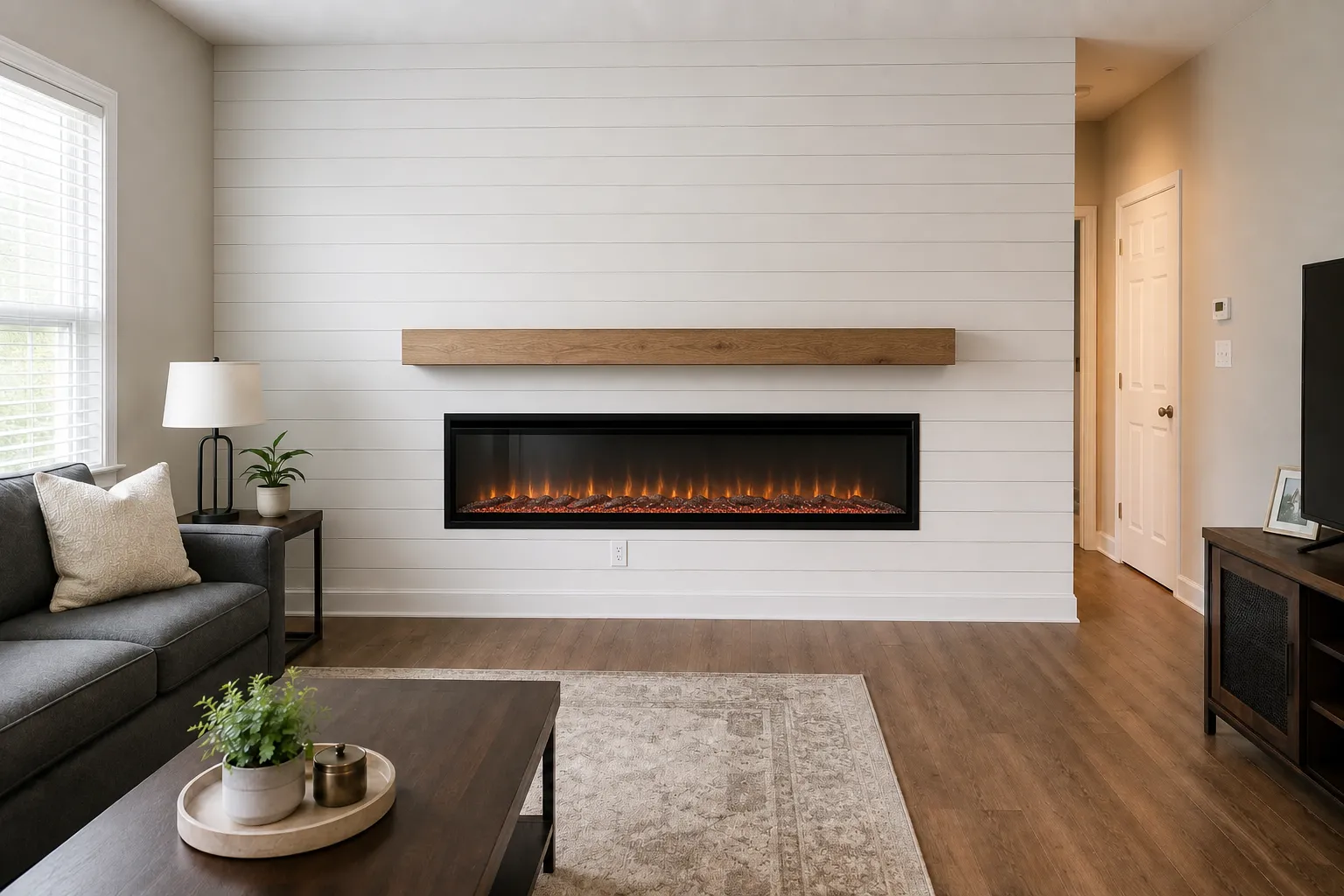
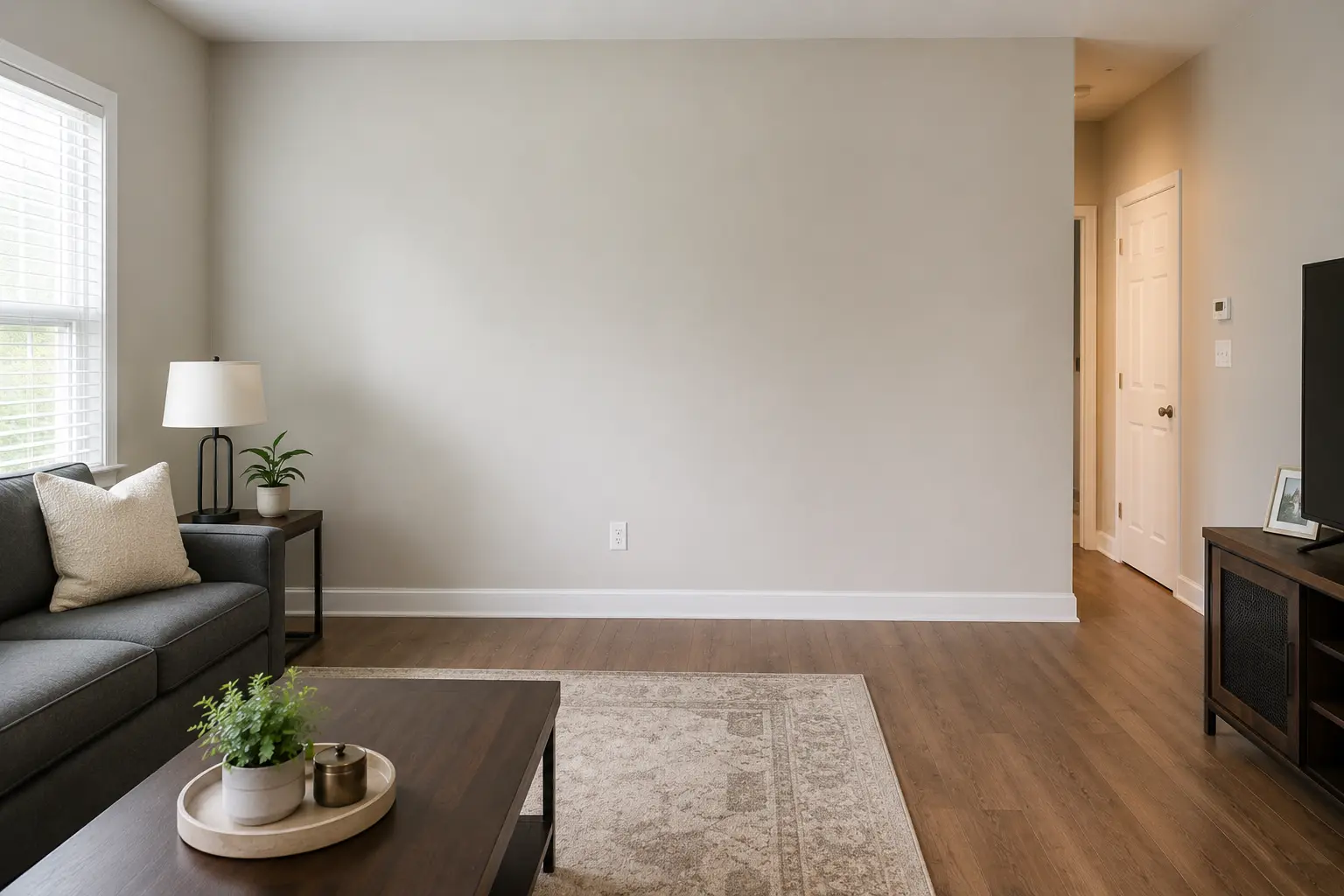 Before
After
Before
After
Living Room
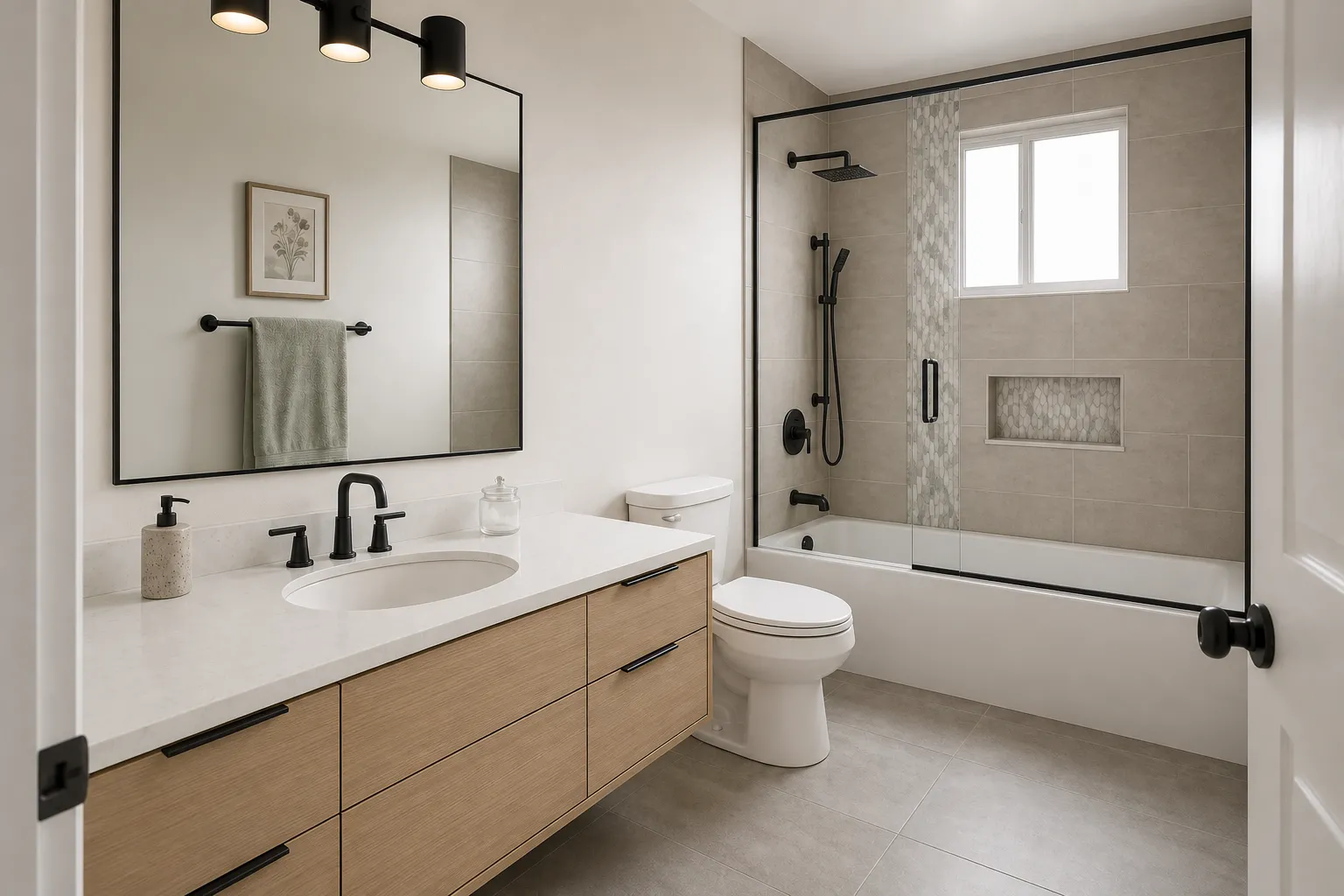
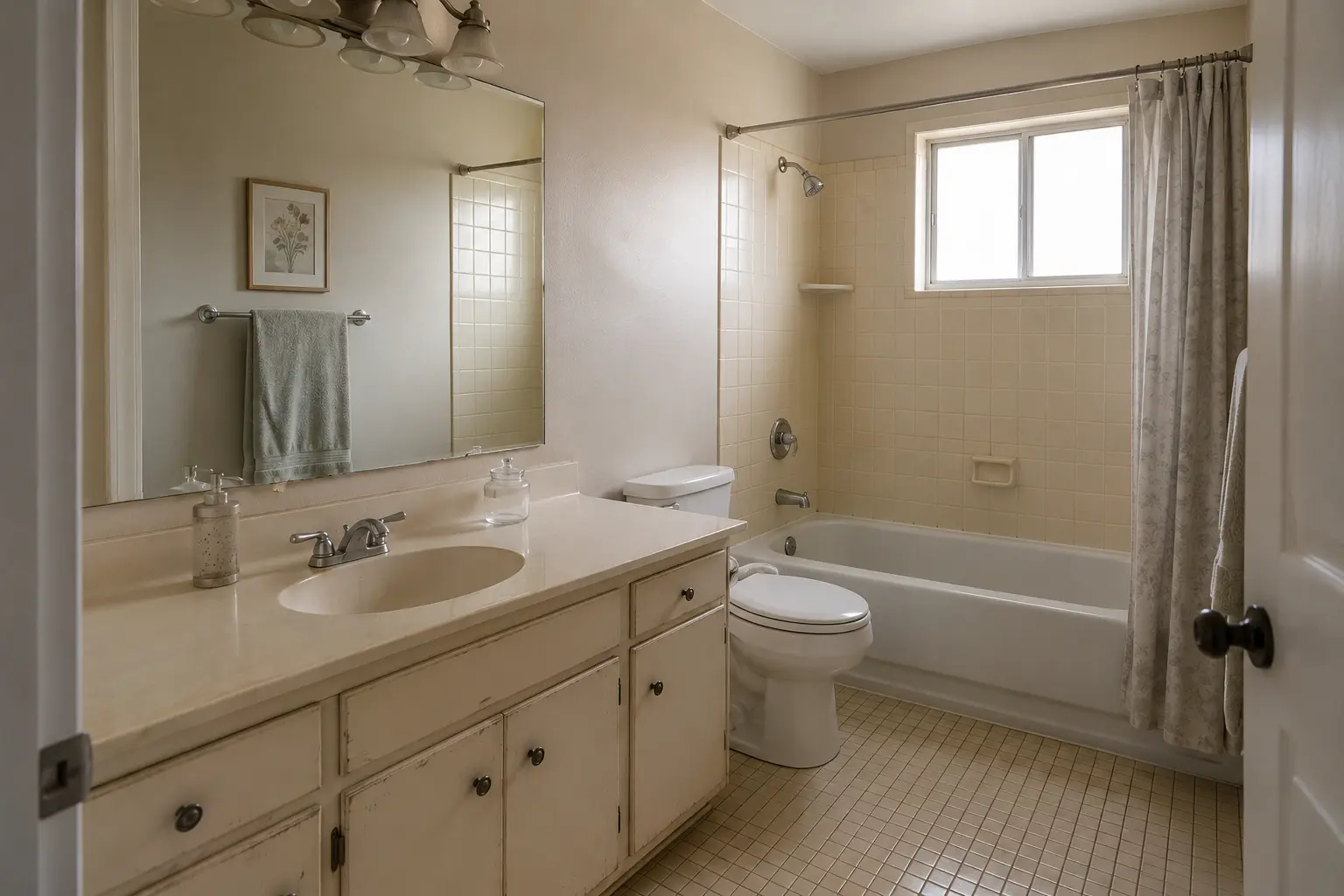 Before
After
Before
After
Bathroom
 Before
After
Before
After
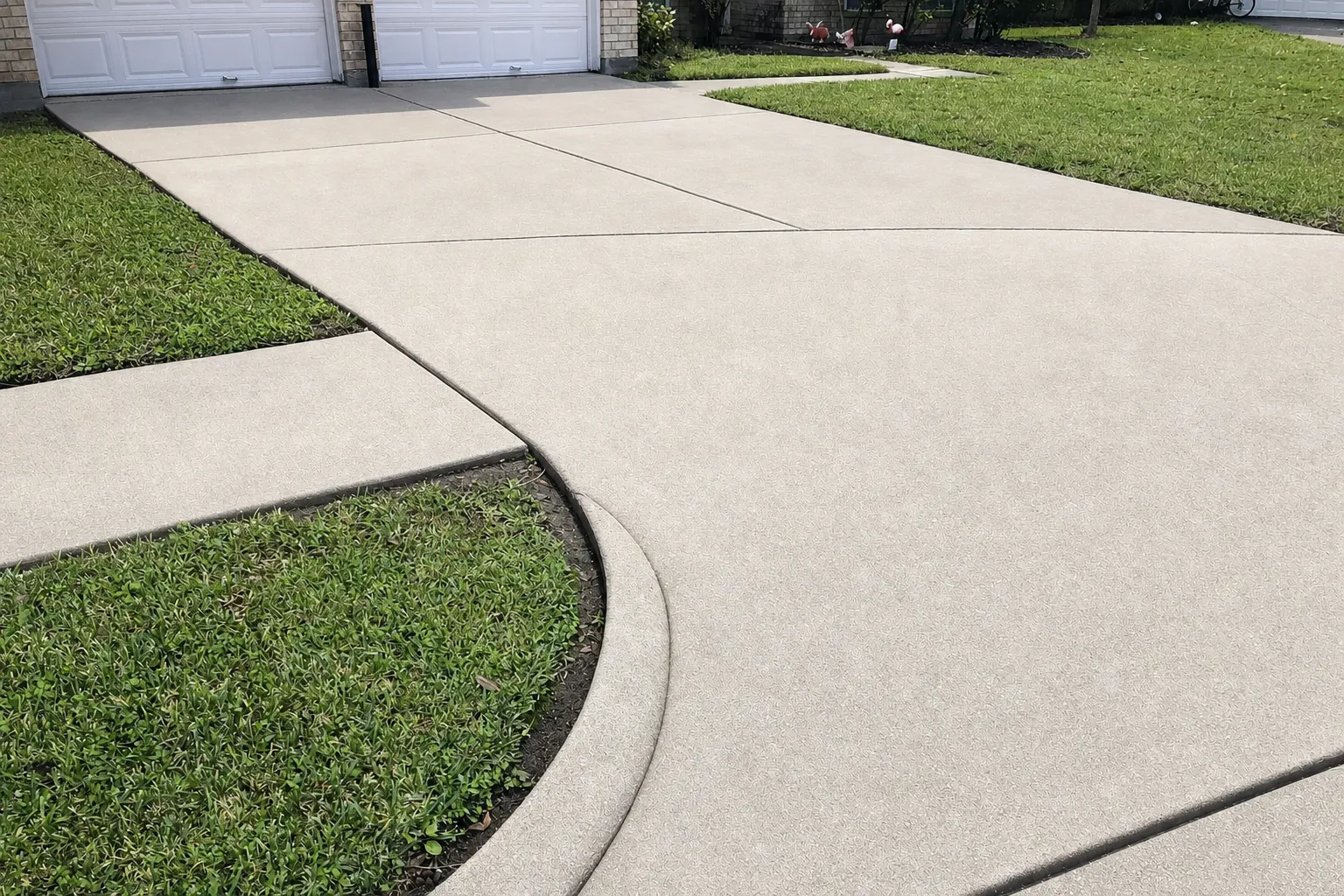
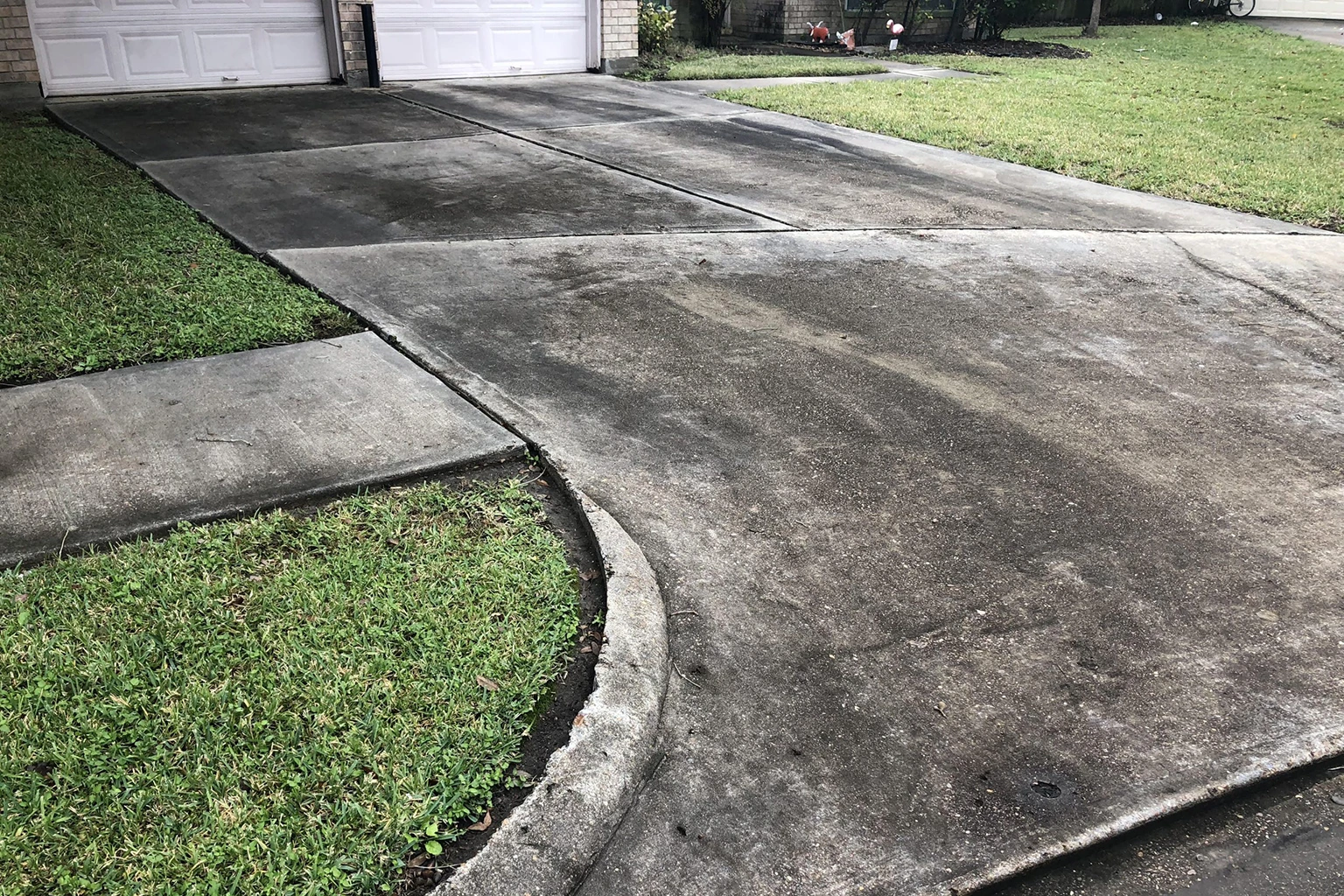
Driveway & Sidewalk
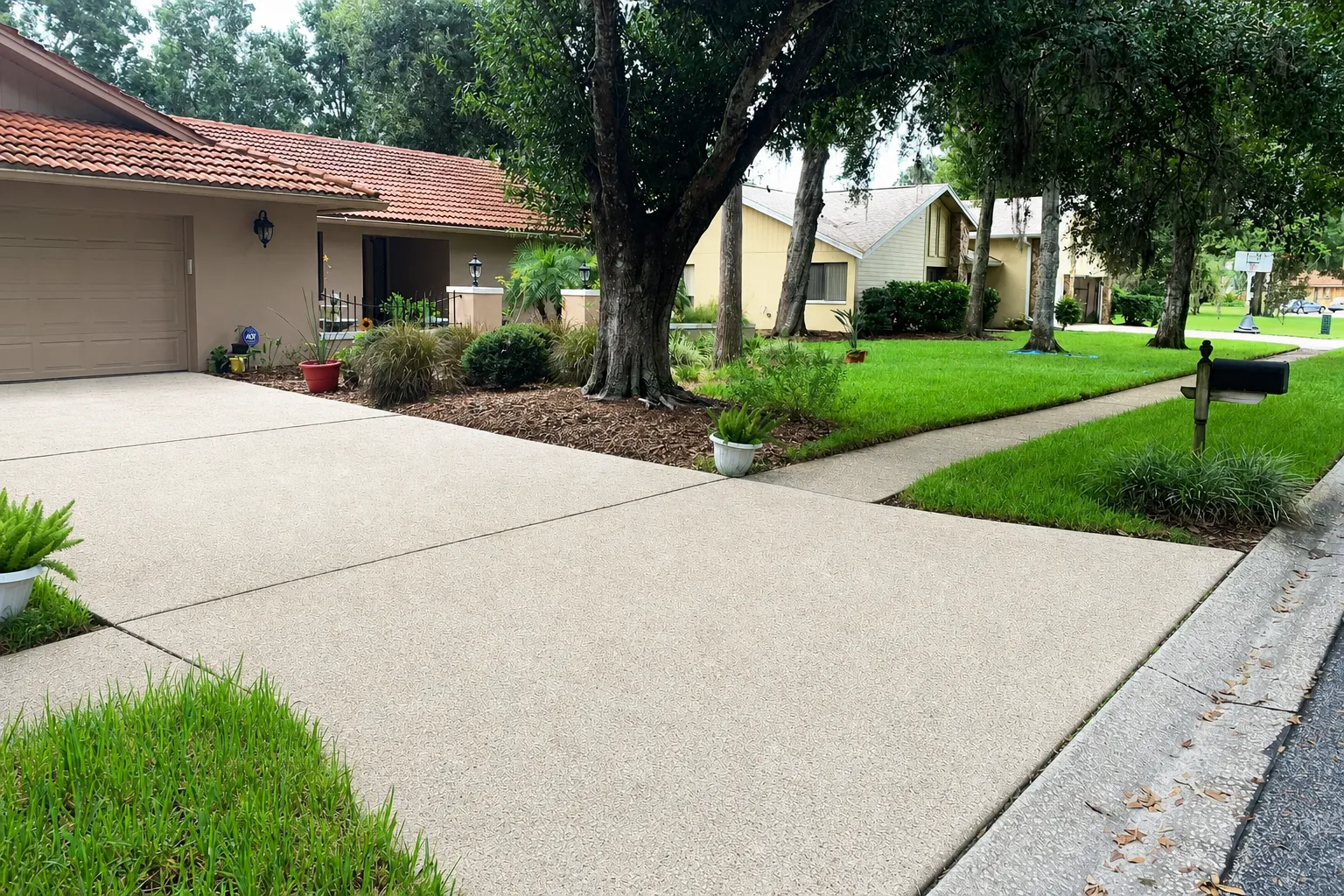
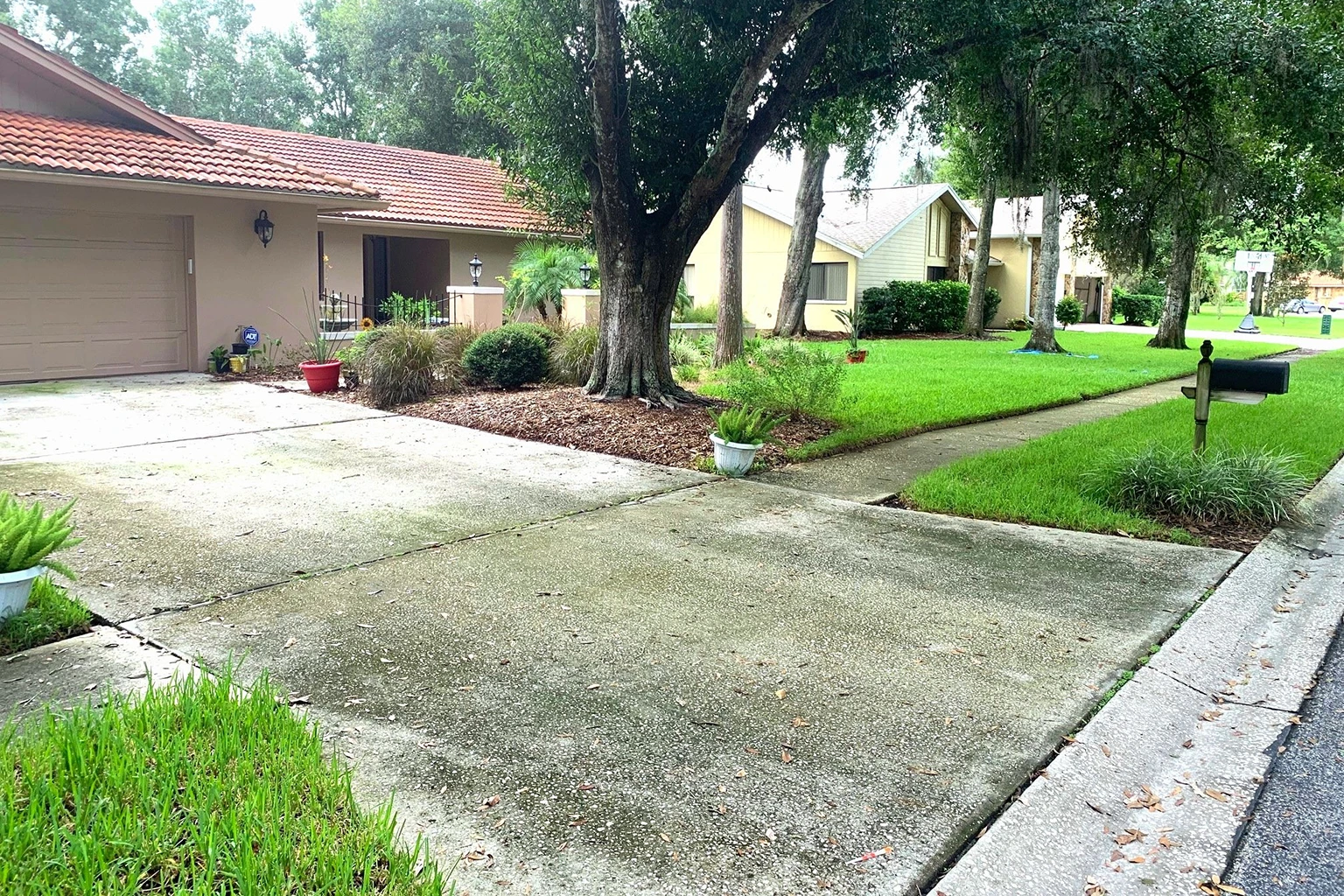 Before
After
Before
After
Driveway & Sidewalk
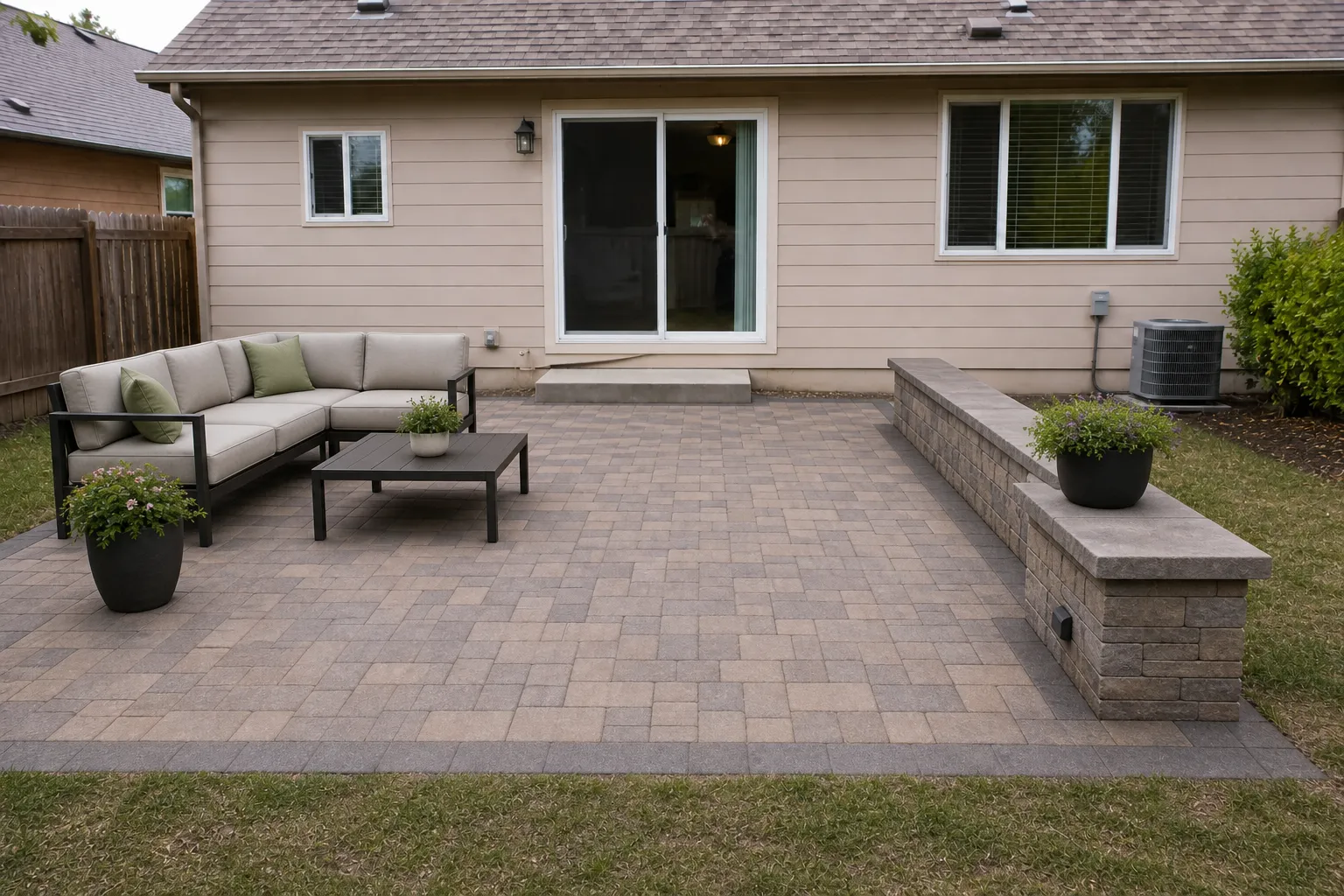
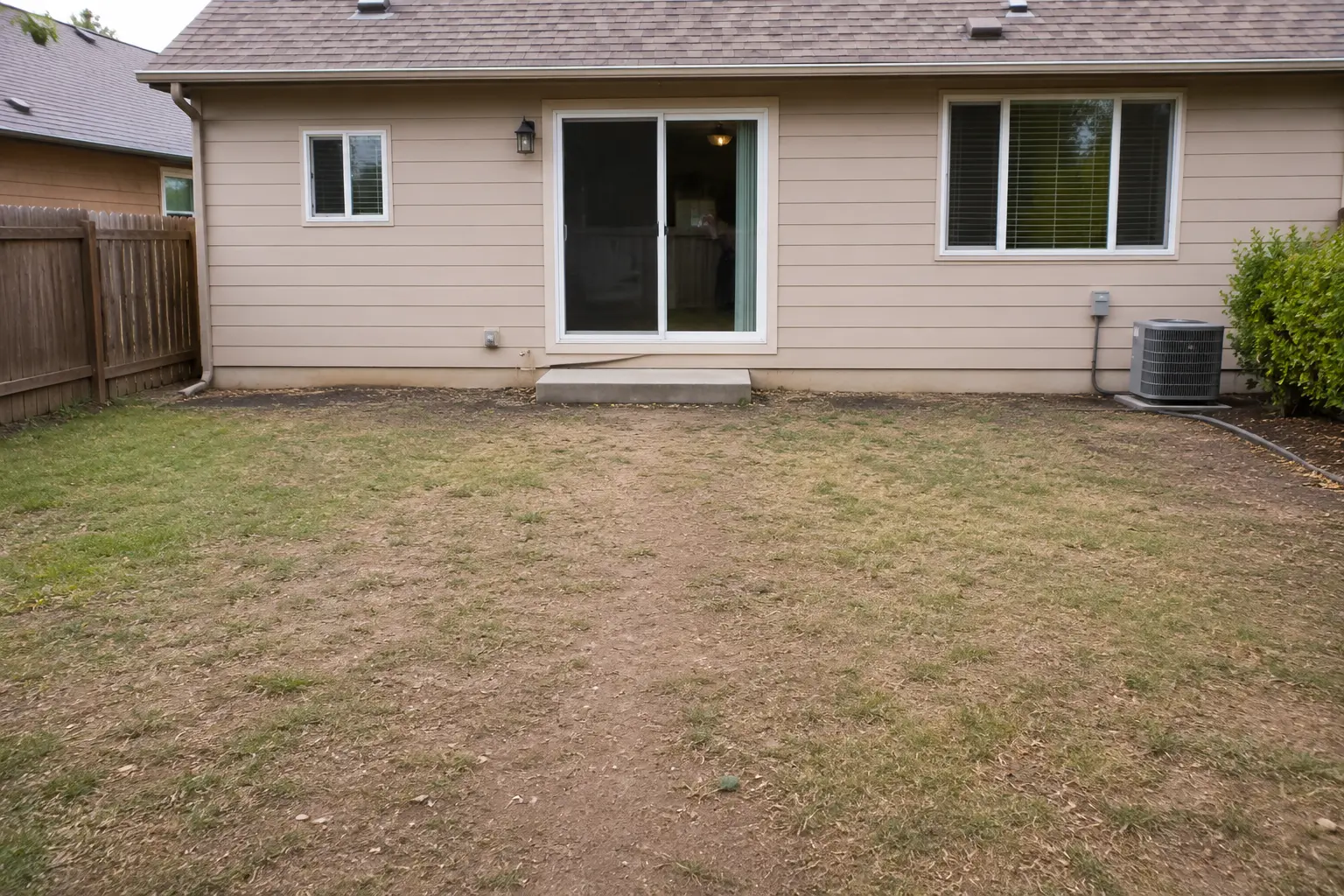 Before
After
Before
After
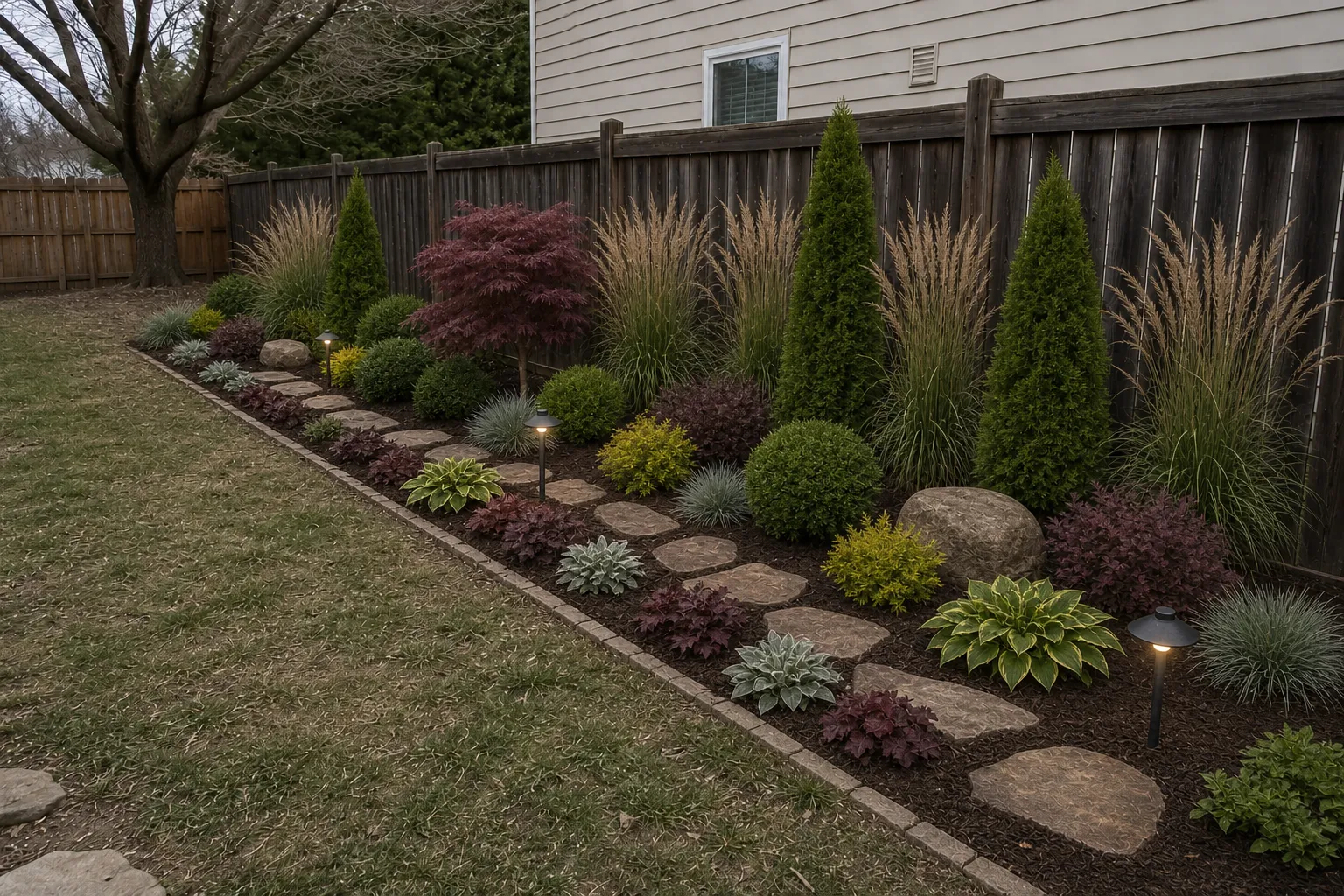
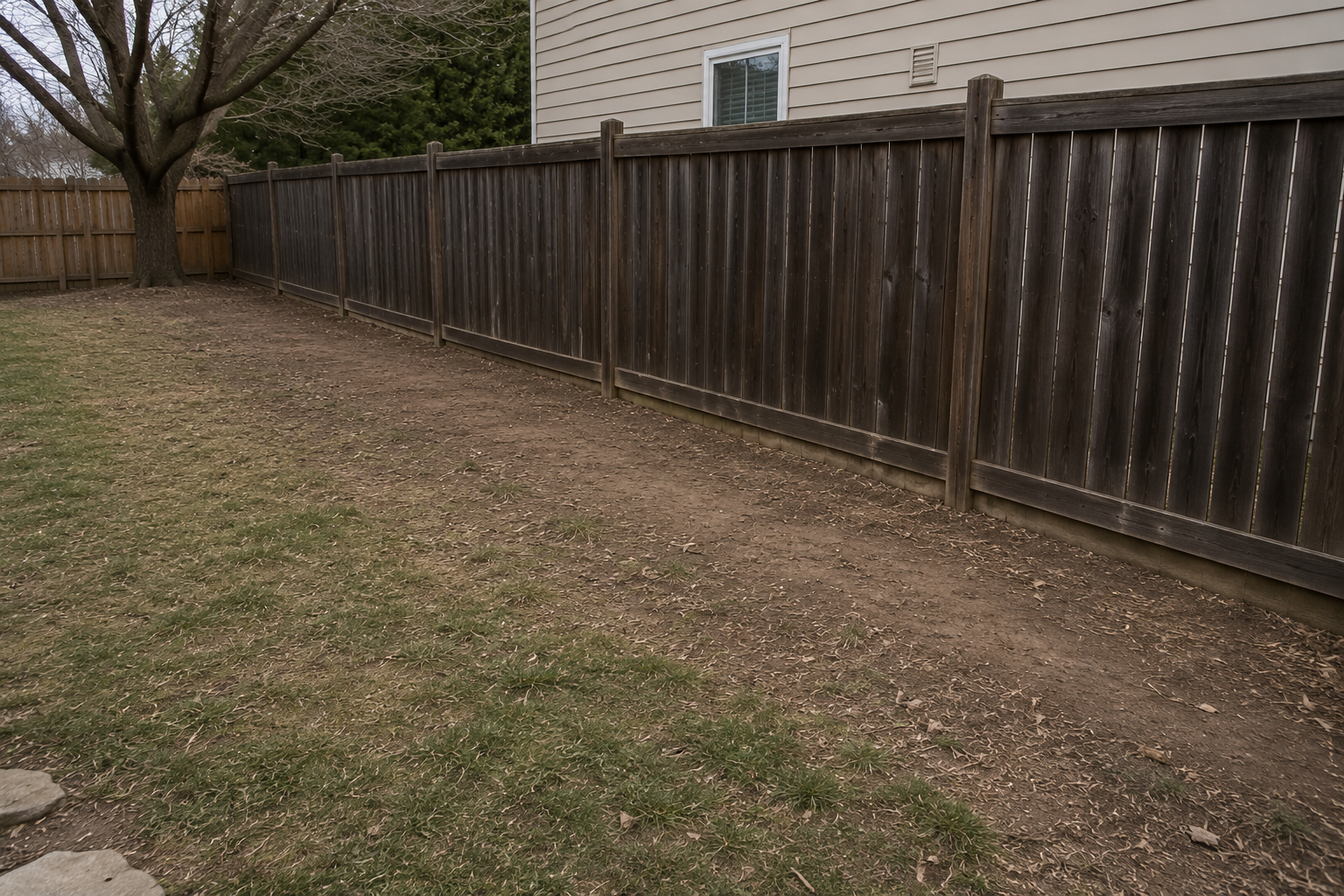
Side Yard
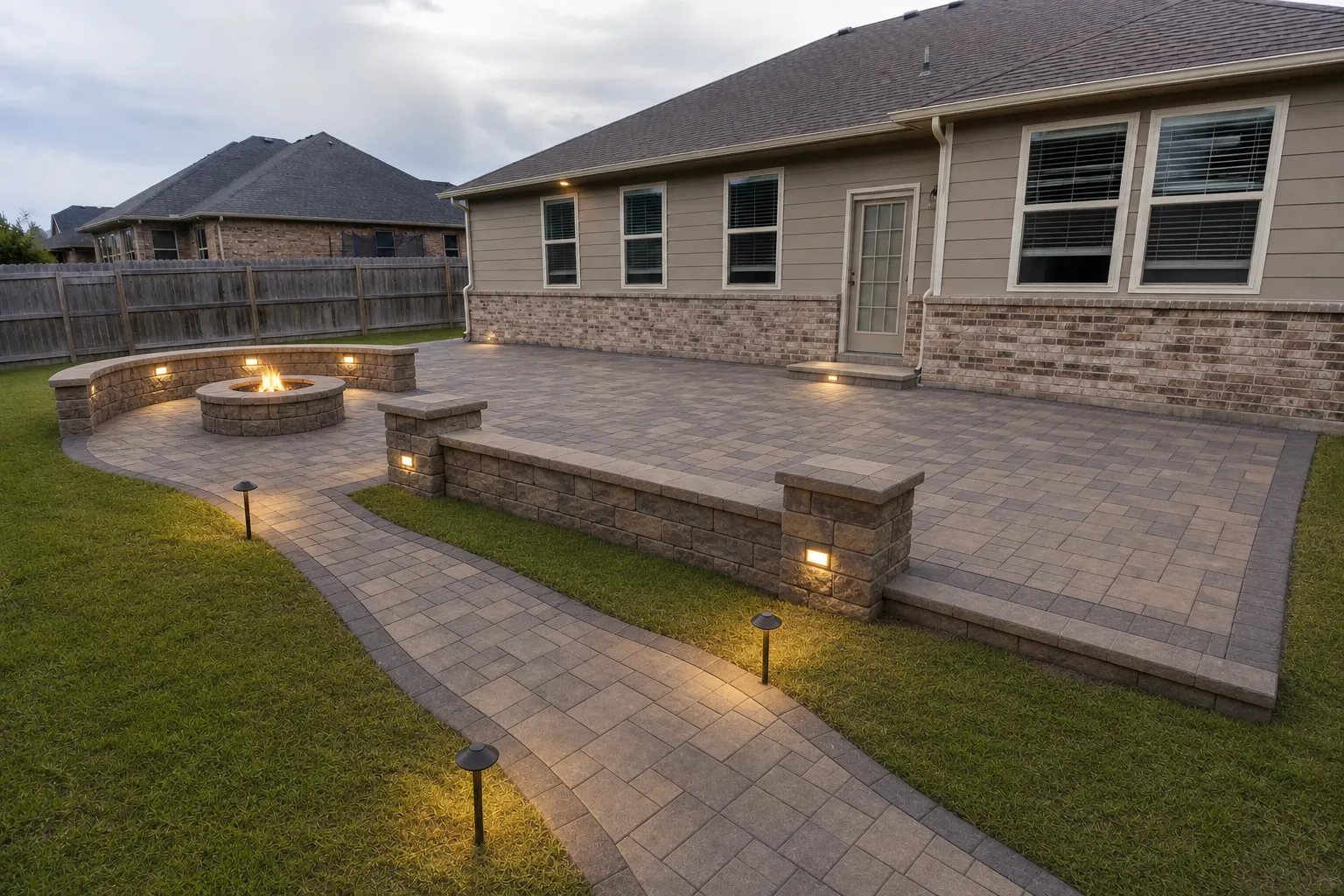
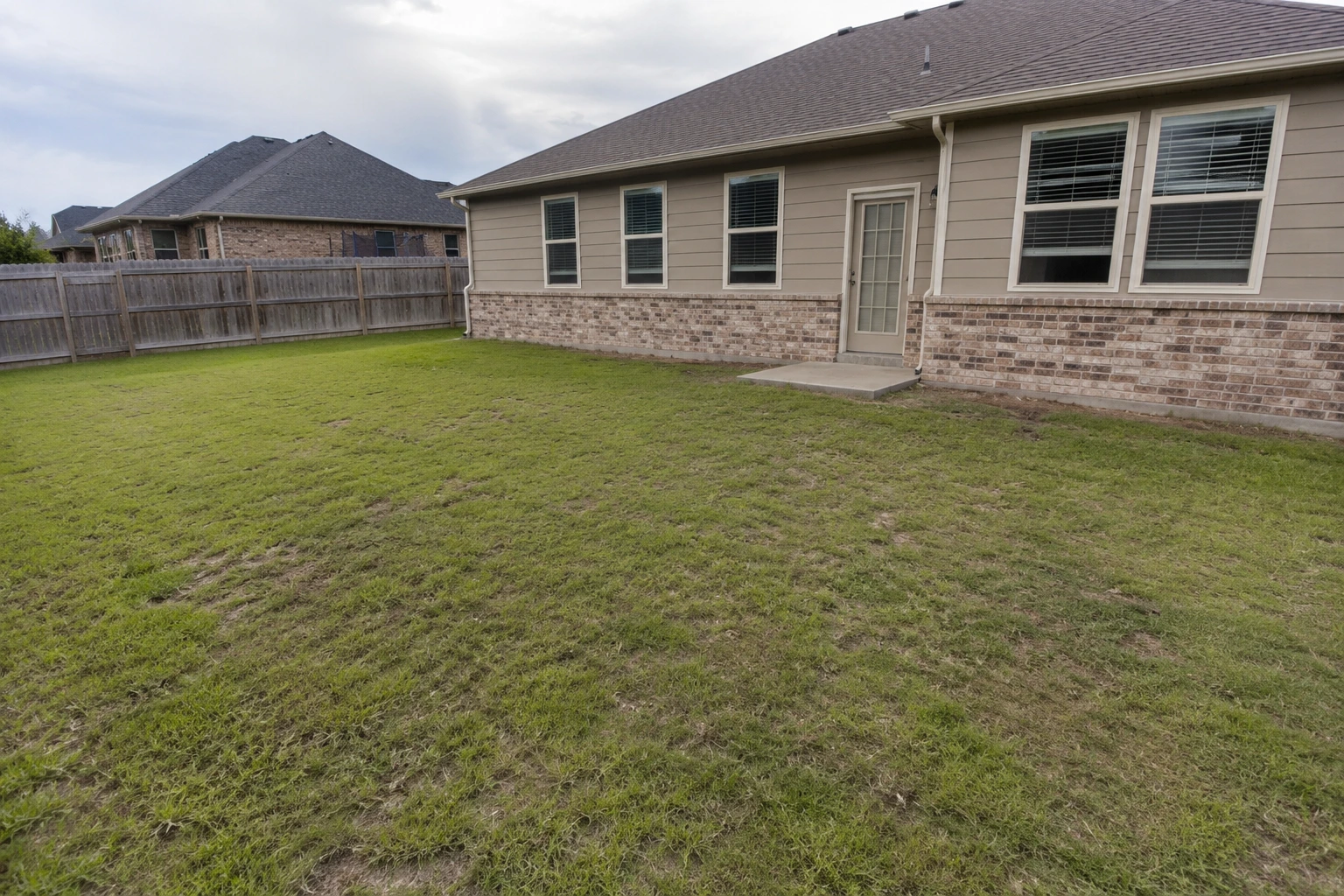 Before
After
Before
After
Front Yard
 Before
After
Before
After
Side Yard
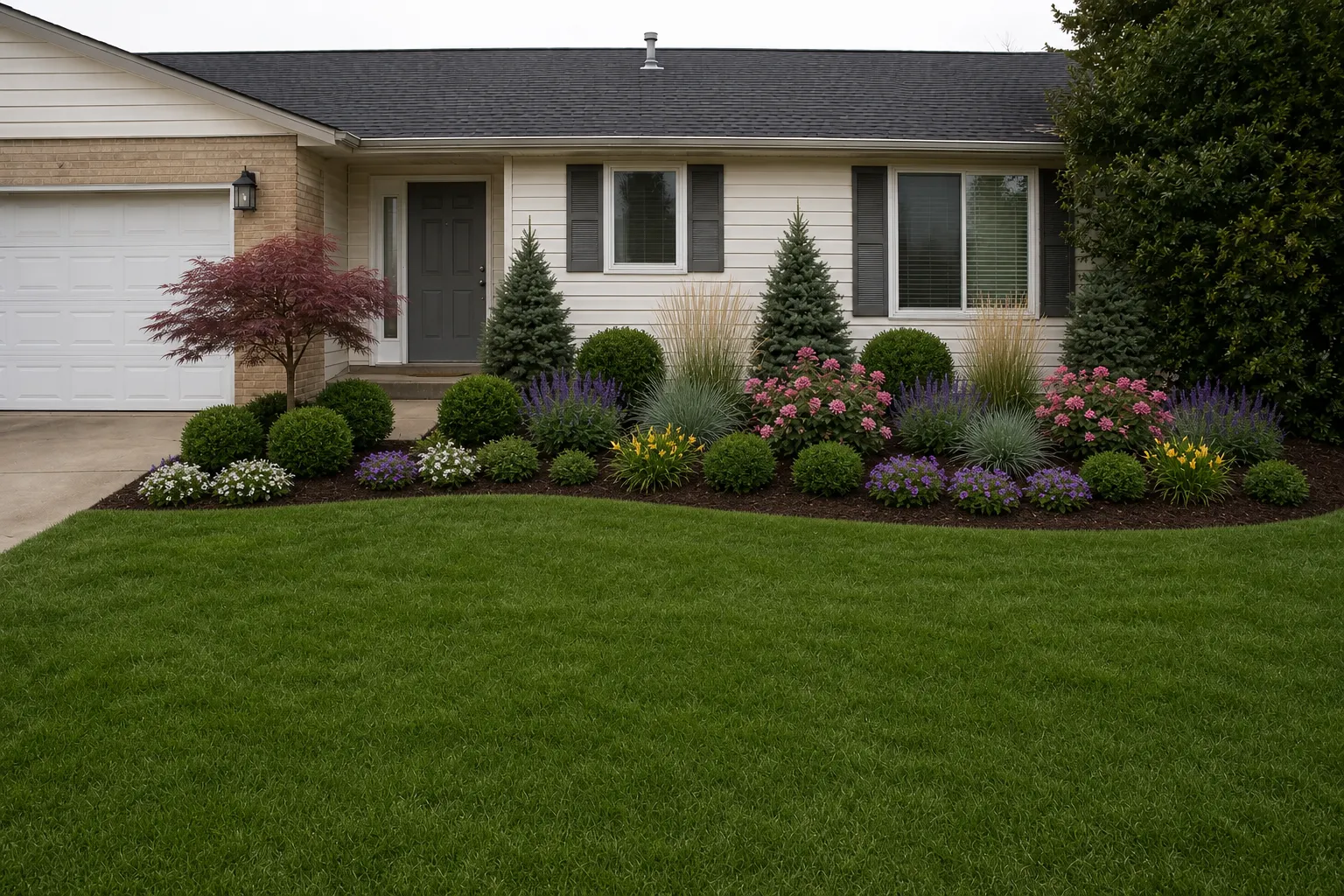
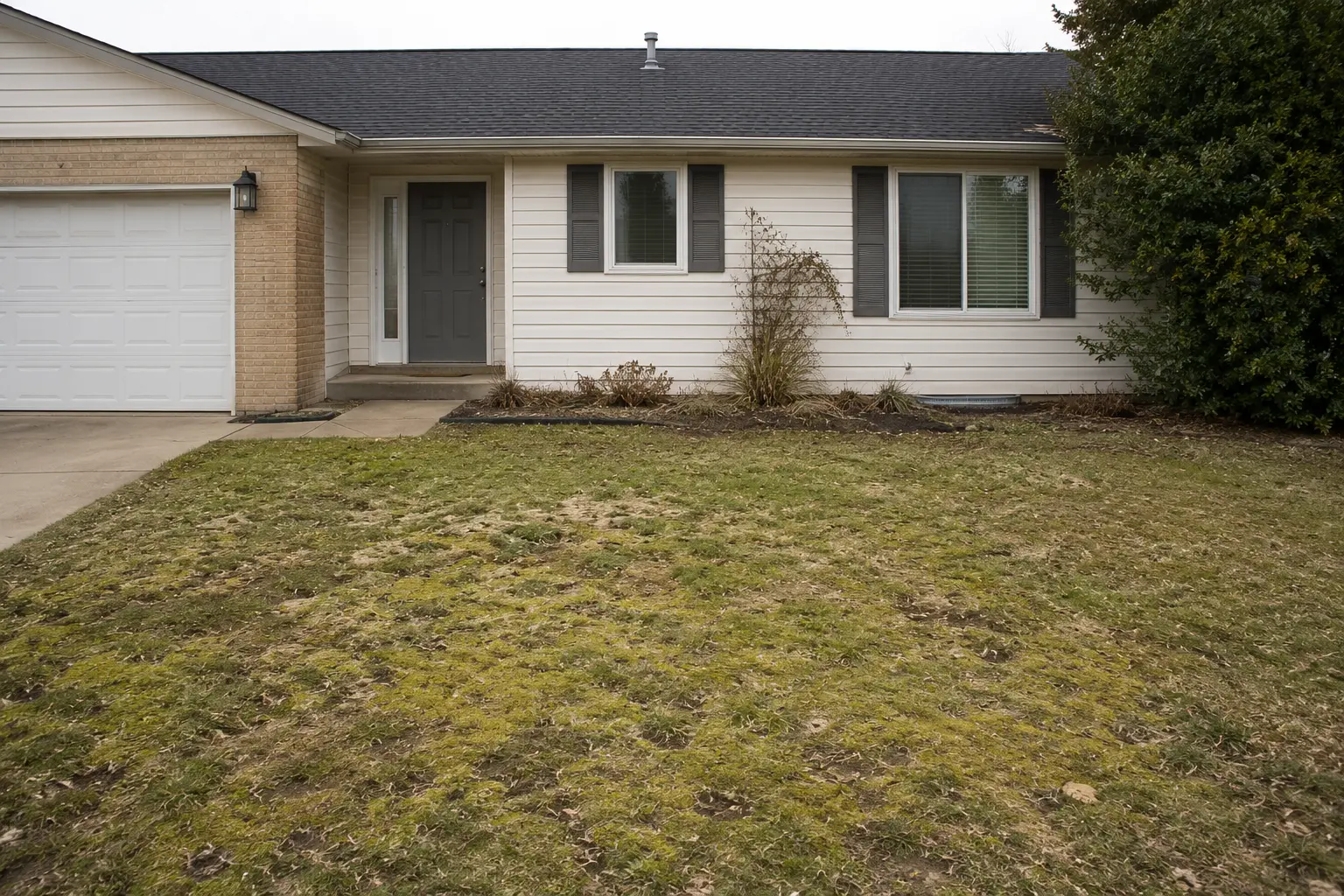 Before
After
Before
After
Front Yard
The RynoSuite AI Visualizer is a before-and-after preview tool built for home service businesses. Upload a photo of a room, an exterior, or a floor, describe the change in plain language, and it generates a realistic image of the finished result in seconds. Painters show a new color on the actual house, flooring pros preview tile, LVP, or epoxy in the real space, and remodelers show the finished room before a single tool comes out. Whatever you quote, your customer sees the outcome before they commit, which is the difference between "let me think about it" and "let's do it."
It runs on any device, so you can generate a preview on your phone while you're still standing at the customer's door, then drop the before-and-after straight onto the estimate. There are no design skills to learn and no extra software to buy. Seeing the finished look turns a hesitant homeowner into a signed job, which is why the AI Visualizer is one of the fastest ways to lift your estimate conversion rate.
The AI Visualizer is included on every RynoSuite plan, so whether you're a solo operator or a growing team, you can start showing customers their finished project today and win more of the work you quote.
The questions service pros ask most about previewing a job.
Every paid plan includes it. You get 5 previews per month on Lite, 25 on Pro, and 50 on Growth, plus a few to try during your free trial.
Interior and exterior paint, flooring like tile, LVP, and epoxy, and more. If you can photograph it, you can preview a change to it.
They're generated from your actual photo, so the result keeps the real space, lighting, and layout while showing the new finish. They're built to help a customer picture the outcome, not to serve as an exact color-matched proof.
Seconds. It's fast enough to use live while you're sitting with a customer on an estimate.
Yes. Snap the photo, generate the preview, and show it right there, no laptop required.
Yes. You can include the before-and-after right on the estimate, so the finished look becomes part of your pitch.