Skip to content

Start your 14-day free trial - no credit card required

Automations that do the busywork for you

Switch on the reminders and follow-ups you always mean to send, and let RynoSuite handle them in the background, so estimates don't go cold and invoices don't get forgotten.
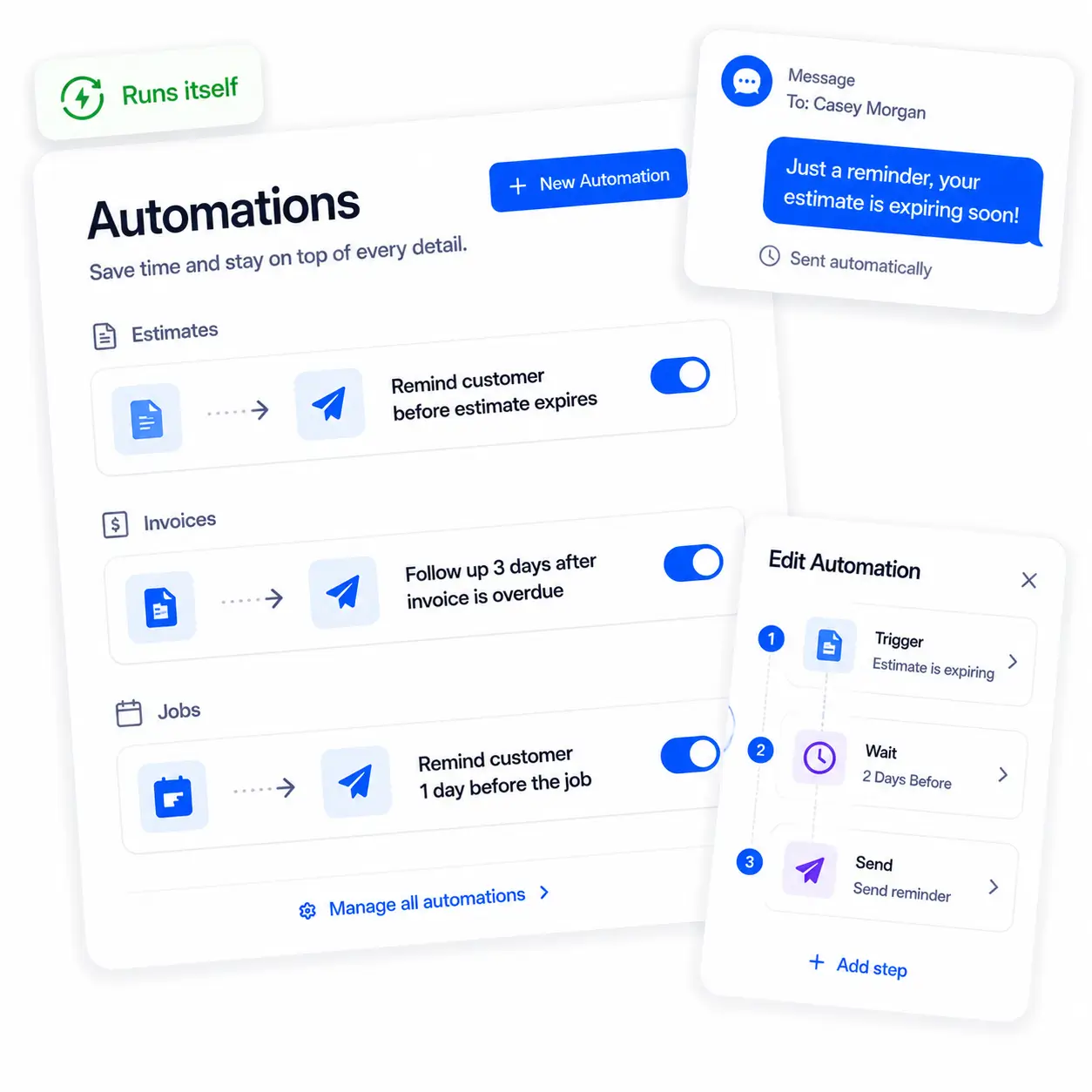
RynoSuite automations library with toggles

Set It & Forget It

Turn it on, and it just runs

No flowcharts, no logic to figure out. RynoSuite comes with the follow-ups you'd want already built, just flip the ones you like to "on." From that moment, they run quietly in the background while you're out doing the work, no app to check, nothing to remember.
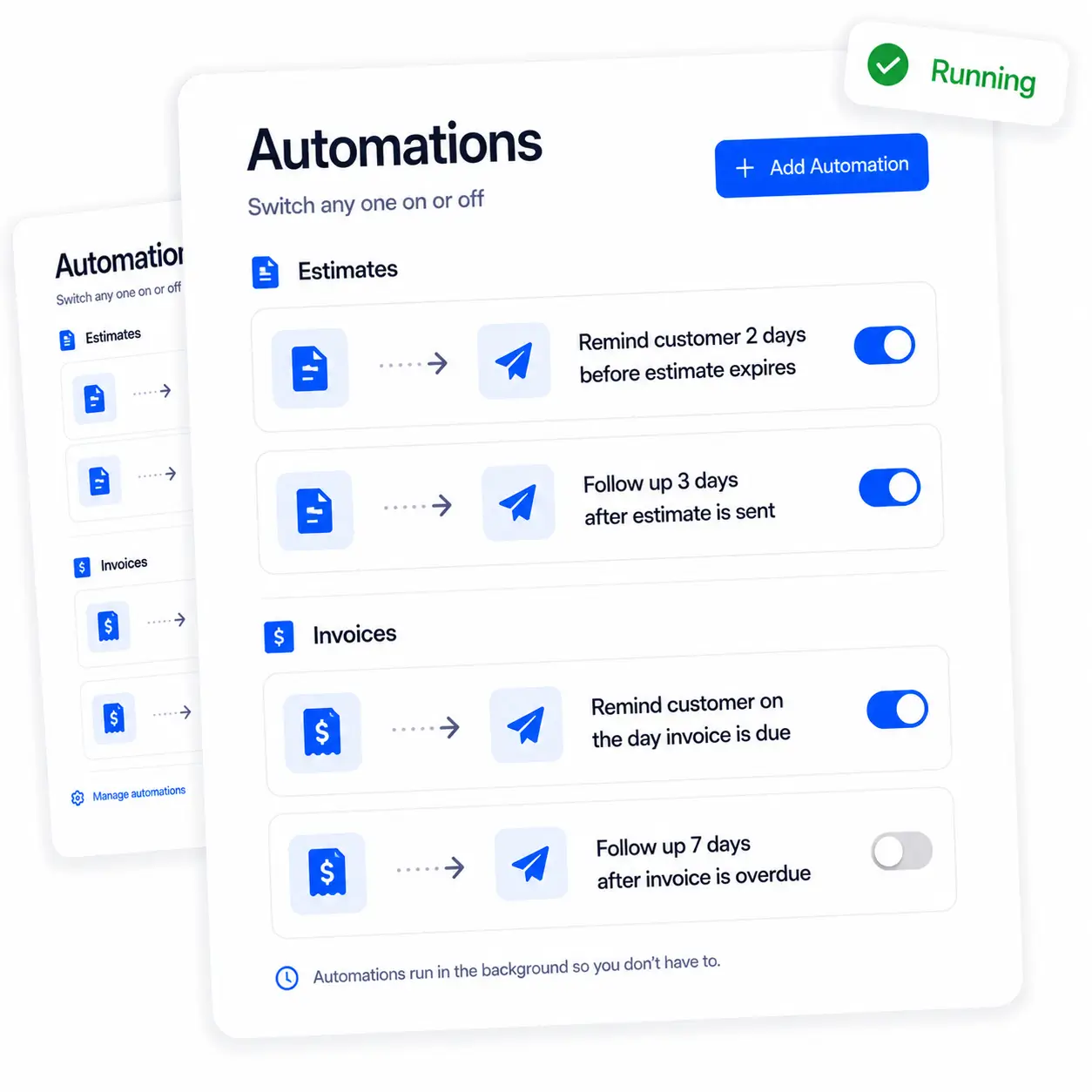
A library of ready-made automations with on/off toggles
  • Ready-made automations, no setup required
  • Flip a toggle to switch any one on or off
  • Grouped by estimates, invoices, jobs, and requests
  • Runs in the background, nothing to babysit

Start Free Trial

Follow-Ups

The follow-ups you always mean to send

A quiet estimate you forgot to chase is money left on the table. An invoice that slips your mind is money you wait weeks for. RynoSuite nudges customers automatically, before an estimate expires, when an invoice is due, when it's overdue, so the work you've already done actually gets paid for.
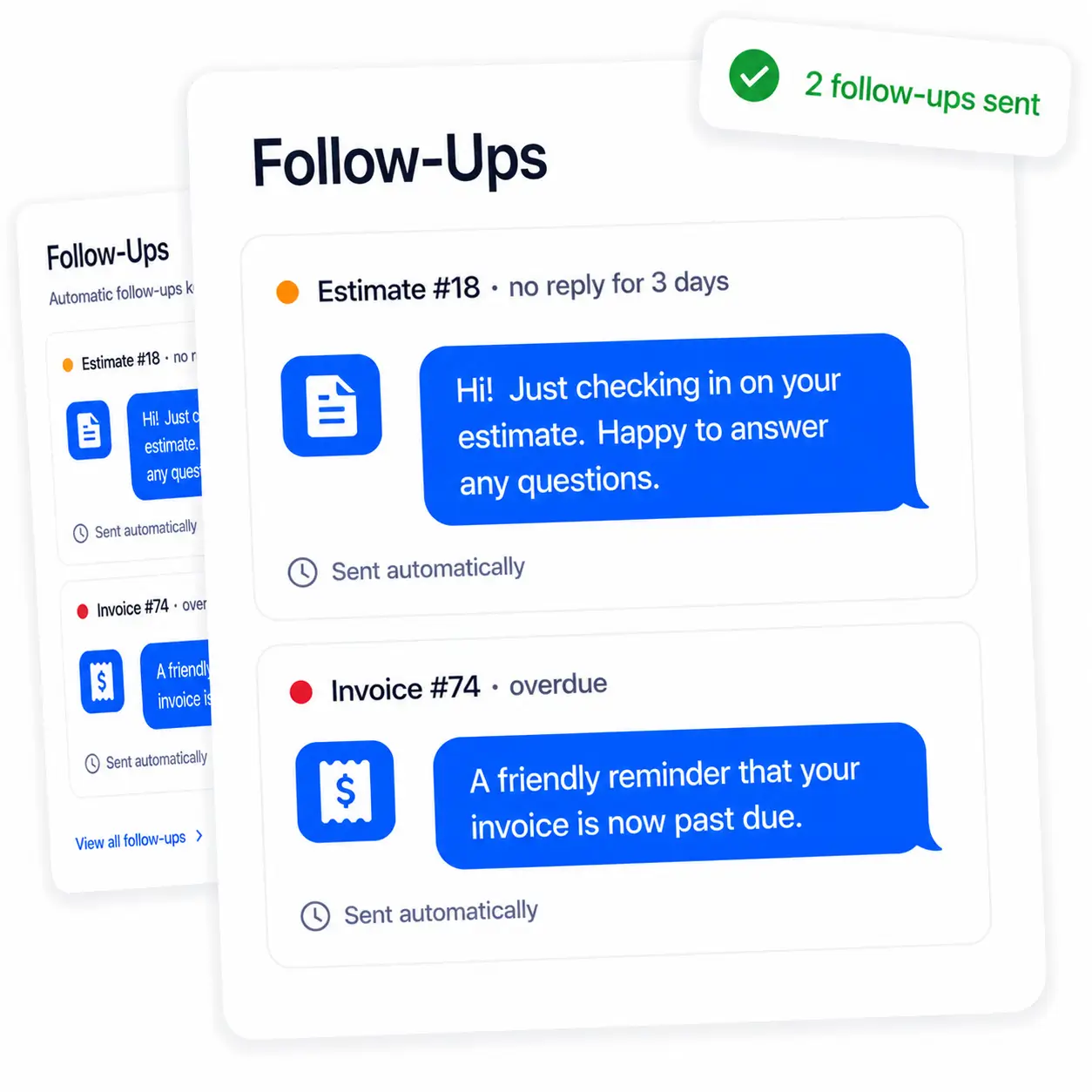
Automatic follow-ups on estimates and overdue invoices
  • Remind customers before an estimate expires
  • Follow up on estimates that have gone quiet
  • Nudge on invoices before and after they're due
  • Recover work and get paid faster, hands-off

Start Free Trial

Reminders

Everyone knows what's coming

Send customers a reminder before you show up, so they're home and ready, and give your team a heads-up about tomorrow's work, all without typing a single text. The same goes for on-site assessments. Fewer no-shows, fewer surprises, and you look on top of it without doing a thing.
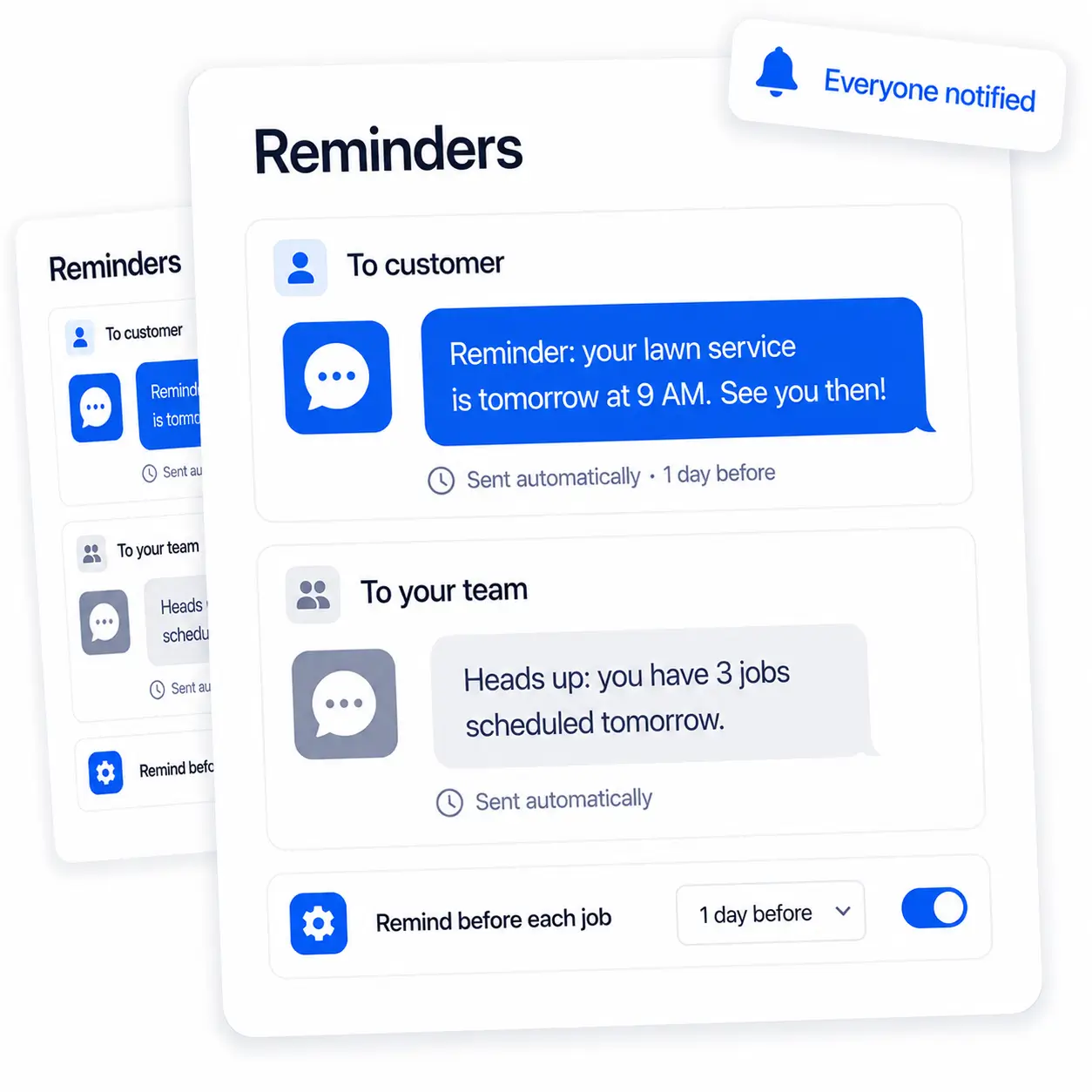
Automatic reminders to customers and team before jobs
  • Remind customers before a job or assessment
  • Give your team a heads-up about what's next
  • Cut down on no-shows and missed appointments
  • Look organized without lifting a finger

Start Free Trial

Make It Yours

Tune the timing to fit how you work

Like the idea but want the reminder a little earlier? Open any automation and adjust it, how long to wait, before or after, who it goes to. It's all plain language, when this happens, wait this long, send that. No manuals, no jargon, just set it the way that fits your routine.
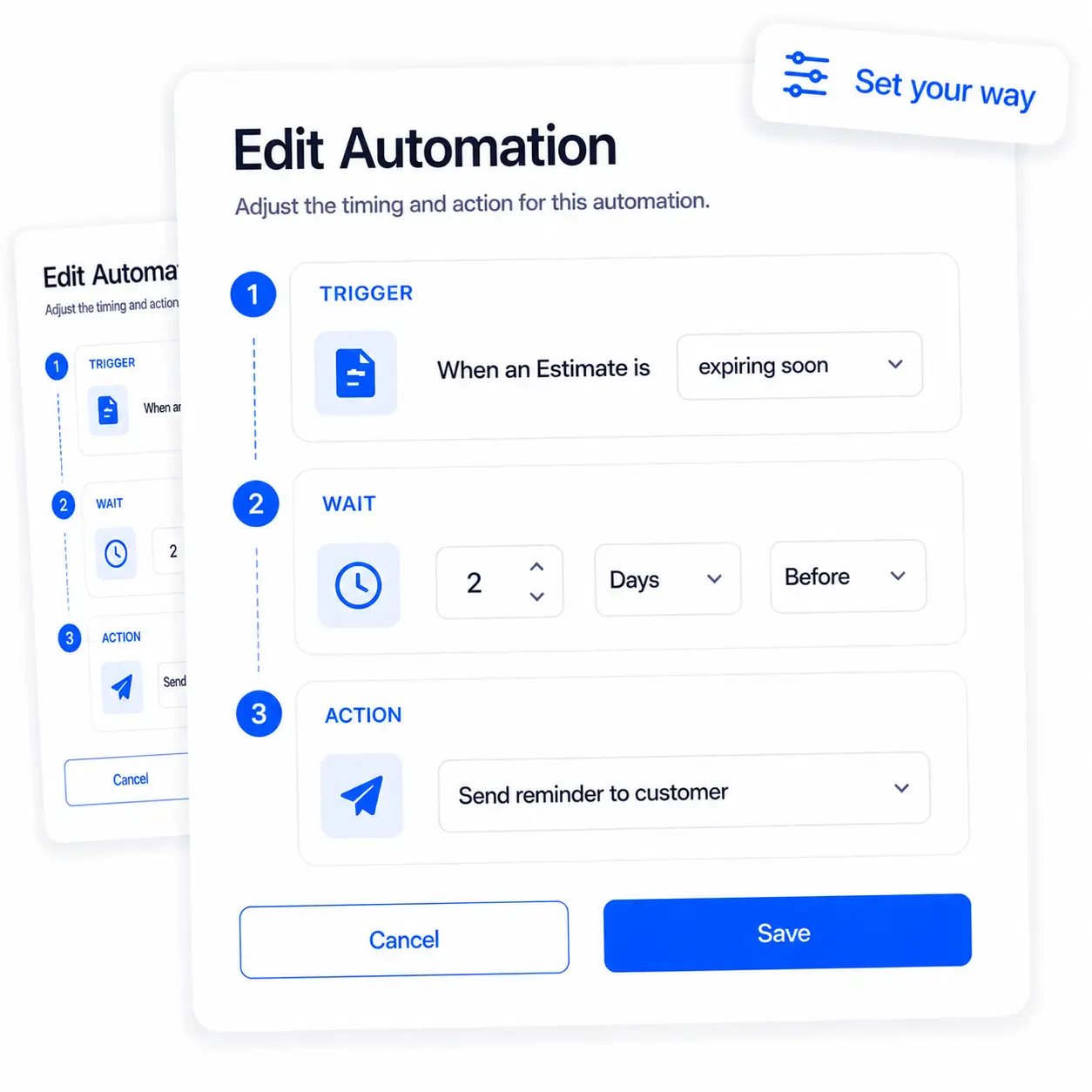
Editing an automation's trigger, wait, and action
  • Adjust how long to wait, and before or after
  • Choose whether it goes to the customer or your team
  • Plain-language setup, no jargon to learn
  • Add your own on top of the ready-made ones

Start Free Trial

Ryno Assistant

For everything you'd rather just ask

Automations handle the routine. For the one-offs, the follow-up you want sent right now, just tell the assistant and it's done, on the spot.

Send it now

Follow up with everyone who's overdue Send a reminder for invoice #103 Nudge anyone with a quiet estimate Text this customer their payment link

What needs chasing

Who hasn't paid me yet? Which estimates are about to expire? What's overdue right now? Who haven't I heard back from?

Ahead of time

Remind tomorrow's customers I'm coming Give the team a heads-up for tomorrow Who's on the schedule this week? Send an on-my-way text for my next job

Stay on top of it

What slipped through this week? Anything I forgot to follow up on? What jobs still need invoicing? Show me what needs my attention

Ask by any date range, today, last month, this quarter, or year to date.

Meet the Ryno Assistant