Start your 14-day free trial - no credit card required
Log inAI writing is built into the fields you use most, line item descriptions, estimate and invoice introductions, and contracts. It knows what kind of text the field needs, pulls in your customer by name, and rewrites in whatever tone fits. No more staring at a blank box.
Try it
Here's a line item description. Tap a tone and see how the same job reads in a different voice, the way it works right inside the app.
Choose a tone
Example rewrites shown. In the app, it rewrites your own text.
Line Items
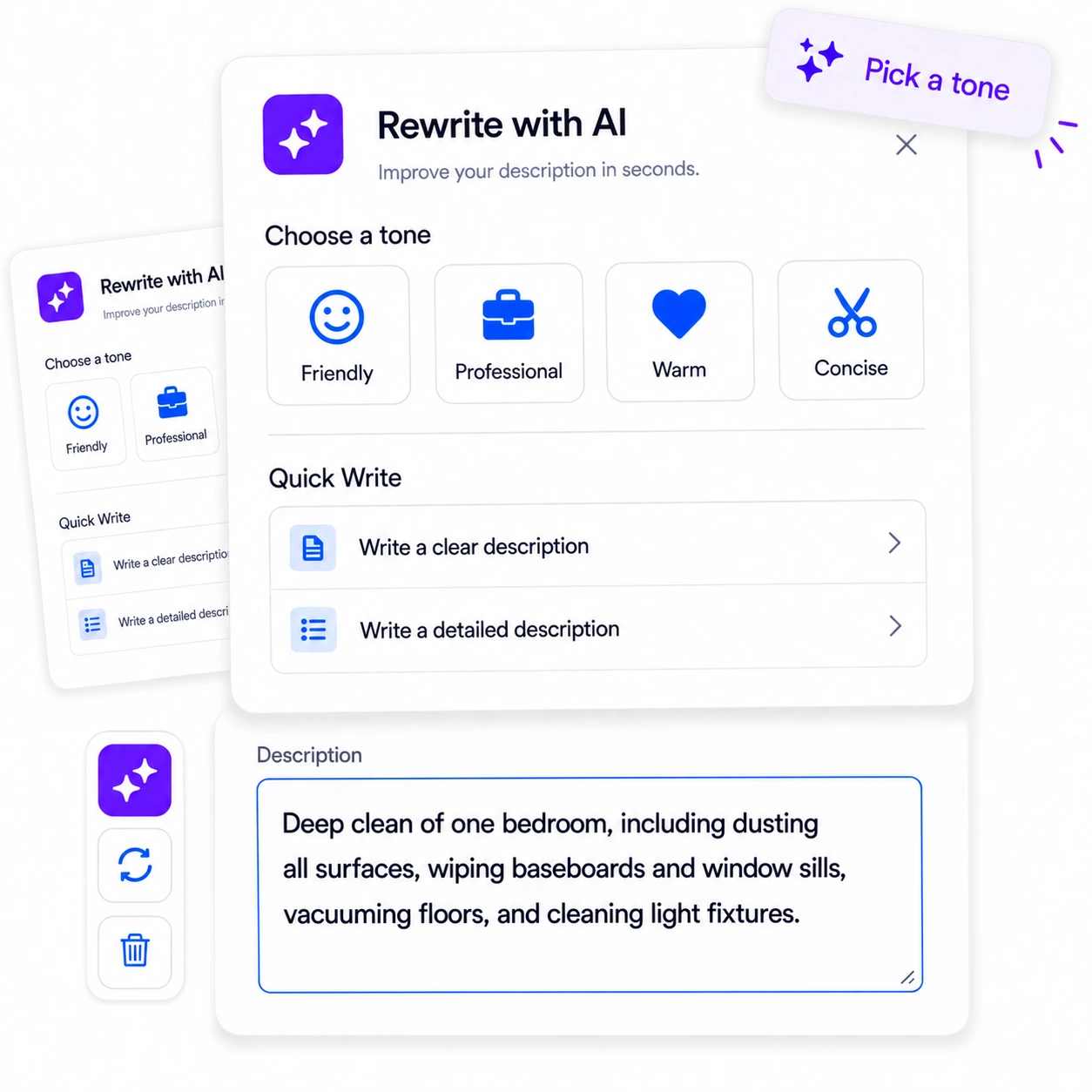
Tap the AI icon on any line item and it writes a clear or detailed description for you. If the description is empty, it reads from the title and takes it from there, so "Bedroom cleaning" becomes a full, professional write-up in a click. Then retone it or regenerate until it's right.
Introductions
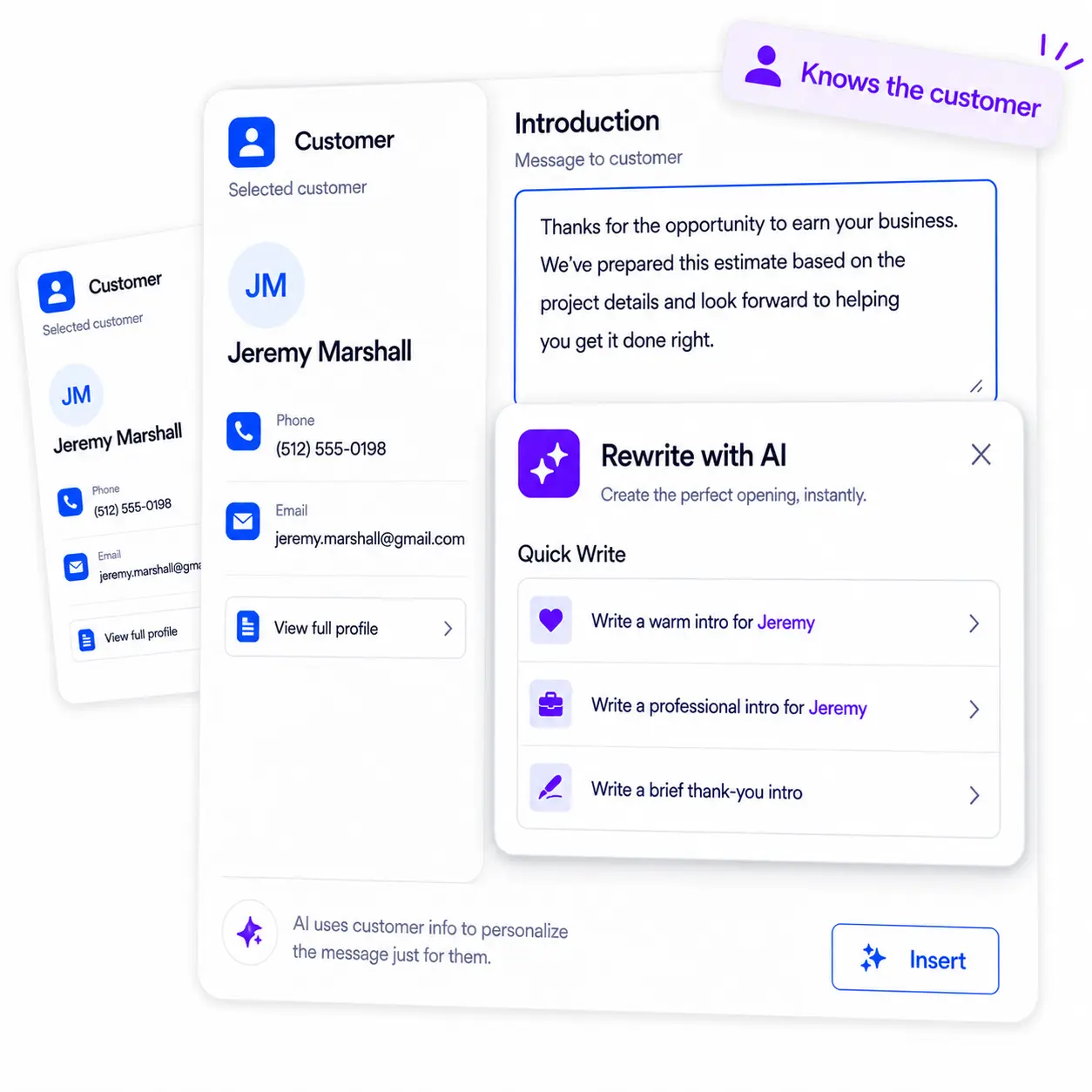
On the introduction of an estimate or invoice, it knows it's an intro, and if a customer is selected, it pulls their name in. Ask for a warm intro for Jeremy, a professional one, or a brief thank-you, and it's written and addressed before you've finished your coffee.
Contracts & More
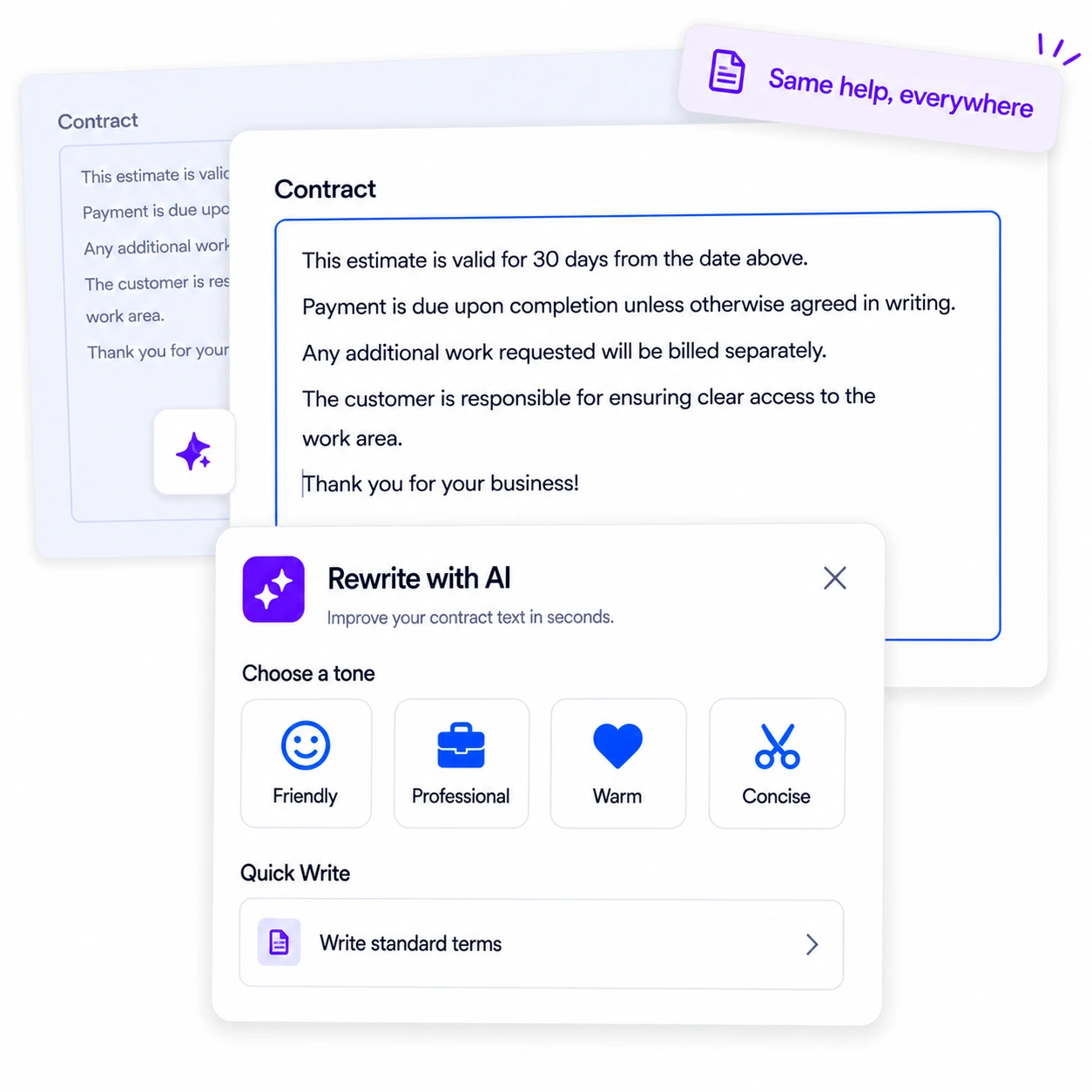
The AI icon shows up on your contract fields too, so the terms and language that usually take the longest to word get the same quick, clear treatment. It's the same writing help everywhere you put it to work, across both your estimates and your invoices.
AI Writing is built into the fields you use most across RynoSuite: line item descriptions, the introduction on estimates and invoices, and contract text. Instead of a separate tool you copy and paste from, it lives right on the field, marked with a small AI icon. Tap it and it writes for you, and because it knows which field it's in, a line item gets a clear job description while an introduction gets a proper greeting. When a customer is selected, it even pulls their name into the intro, so the message is addressed to the right person without you typing it.
Once it writes, you're in control of the voice. Rewrite in a Friendly, Professional, Warm, or Concise tone with one tap, regenerate if you want a fresh take, or clear it and start over. On a line item, it can even read from the title when the description is empty, turning a couple of words into a full estimate write-up. It's the difference between a blank box and a finished document.
AI Writing is included on every RynoSuite plan, so whether you're a solo operator or a growing team, you can stop wrestling with wording and send estimates and invoices that read like you took your time, even when you didn't.
The questions service pros ask most about writing with AI.
Every plan includes it. AI Writing uses your monthly pool of AI credits, 100 on Lite, 1,500 on Pro, and 3,000 on Growth.
On the fields you write most: line item descriptions, the introduction on estimates and invoices, and contract text. Look for the AI icon on the field.
Yes. On an introduction, if a customer is selected it pulls their name into the message, so a warm or professional intro is addressed to the right person without you typing it.
Yes. After it writes, you can rewrite in a different tone, Friendly, Professional, Warm, or Concise, and regenerate or clear it if you want to start over.
Both. It can quick-write a description from scratch, and on a line item it will read from the title if the description is empty. It can also rewrite or retone text you've already written.
No, the demo shows example rewrites so you can see the tones side by side. In the app, it writes and rewrites your actual text.